


If you are after a company contact directory online in New Zealand, you are usually after one of two things. Either you need to find and check how to reach another business, or you need a single, current place where your own people’s details live. The first is best answered by official registers. The second is where most small and mid-sized teams quietly struggle, with spreadsheets, old email signatures and printed cards that are out of date the week after they arrive.
This guide covers both. It shows where to look when you need to contact a company and be sure it is real, then how to build an internal directory that stays accurate, and where digital business cards fit.
TL;DR
- To find and verify a New Zealand company, start with the official Companies Register and NZBN Register. Commercial listings are for outreach, not proof of identity.
- Treat unexpected contact with caution. Look up the organisation’s official website yourself rather than using links in the message.
- An internal directory only works if someone owns it. Decide who can edit, view and export before you pick a tool.
- A static list goes stale. Live-updating cards that are managed centrally let a change in a role or number reach everyone at once.
- Our Business plan is NZ$49.99 per month and our Starter plan is NZ$19.99 per month, with central admin for branding and staff changes.
Table of Contents
- Two jobs behind one search
- Finding a New Zealand company the reliable way
- What an internal company directory is really for
- Setting up a directory that stays accurate
- Why accurate business data is worth the effort
- Where digital business cards fit
- Our perspective: a directory is a living thing
- A sales team example
- What EcoCard offers
- Common mistakes to avoid
- FAQ
- Sources
Two jobs behind one search
Search results for this phrase are dominated by public listing sites: general business directories, phone-number lookups and lists of places to add your business. They are fine for browsing by name, category or location. They are not built to tell you whether a company is legitimate, and they are not built to help a team share its own details.
So it helps to name your job first.
| Your job | What you need | Best starting point |
|---|---|---|
| Contact a company you do not know | Accurate contact details and proof it exists | Official registers, then the company’s own website |
| Confirm a supplier or customer is legitimate | Legal name, status, directors | Companies Register and NZBN Register |
| Help customers and colleagues reach your people | Current names, roles, numbers, links | A managed internal directory or team cards |
| Get your own business found | Listings that point to your site | Public directories, kept consistent |
The rest of this article takes these in turn.
Finding a New Zealand company the reliable way
Two official sources do most of the work. The Companies Office maintains the Companies Register and the NZBN Register. The Companies Register gives you registration status, directors and shareholders for New Zealand companies. The NZBN Register holds business data including legal name, trading name and contact details, and it can be searched on the official site or accessed through an API.
There is a practical guide to searching the Companies Register if you have not used it before. It explains the search options for New Zealand and overseas companies.
Official register or commercial listing?
The two serve different purposes. Government registers are the authoritative source for legal identity and status. Commercial directories gather data for discovery and sales outreach, and their entries can be old or self-reported. The NZBN guidance for business advisors describes the NZBN Register as holding the information businesses share regularly with each other, clients and agencies, so the data can be reused without asking again.
A simple rule works well:
- Use a commercial listing to discover a business and get a first phone number.
- Use the Companies Register or NZBN Register to confirm the legal name and that the company is still registered.
- Use the company’s own website, found independently, for the contact method you actually use.
If a payment, contract or credit account is involved, step 2 is not optional.
Check before you trust a message
Scammers copy the look of real companies. Consumer Protection advises being suspicious of any contact you were not expecting, checking that sender addresses match names, and avoiding links to strange web addresses. If a “supplier” emails new bank details, ring the number on the official site or the register entry, not the number in the email.
Phone directories and privacy
If you are looking up individuals rather than companies, privacy rules apply. The Privacy Commissioner’s Telecommunications Information Privacy Code 2020 governs how directory publishers handle subscriber information, including limits on reverse search. In practice, do not expect to find a private person from a number, and do not build an internal tool that exposes staff mobile numbers beyond what they have agreed to share.
What an internal company directory is really for
Most businesses that search this phrase have a simpler problem than registers: customers, partners and new starters cannot easily see who does what and how to reach them. The same question comes up in different words, such as an employee directory on a website, a staff contact page or a shared contact list.
The common mistake is treating that directory as a static list of names. A write-up on org-wide contact sharing argues that contacts work better when they are shared across the organisation and tied to activity and ownership, so anyone can see who spoke to whom and what happened. That is written about CRMs, but the principle carries over. A directory earns its keep when it is current and connected to how people work, not when it is a page nobody has touched since last financial year.
What goes wrong with static lists
- Someone changes role or leaves, and their old details keep circulating for months.
- Each person formats their phone number differently. Our guide to paste-ready NZ phone formats shows how to fix that at the source.
- Branding drifts: different fonts, titles and email signatures across the team.
- Nobody knows who is allowed to change what.
Setting up a directory that stays accurate
The tool matters less than the rules around it. A checklist for shared contact management stresses a clear permission matrix: who can edit, who can view and who can export. Without that, you get either silos (everyone keeps a private list) or a free-for-all where sensitive details leak.
Here is a workable sequence for a small team.
1. Decide what the directory contains
Keep the public version short: name, role, work email, work phone, a profile link and perhaps a booking link. Keep sensitive information, such as home addresses or personal mobiles, out unless the person has opted in.
2. Name an owner
One person, often an office manager or operations lead, is responsible for additions and removals. Link that to your starter and leaver checklist so a departure triggers a directory change on the same day.
3. Set roles and permissions
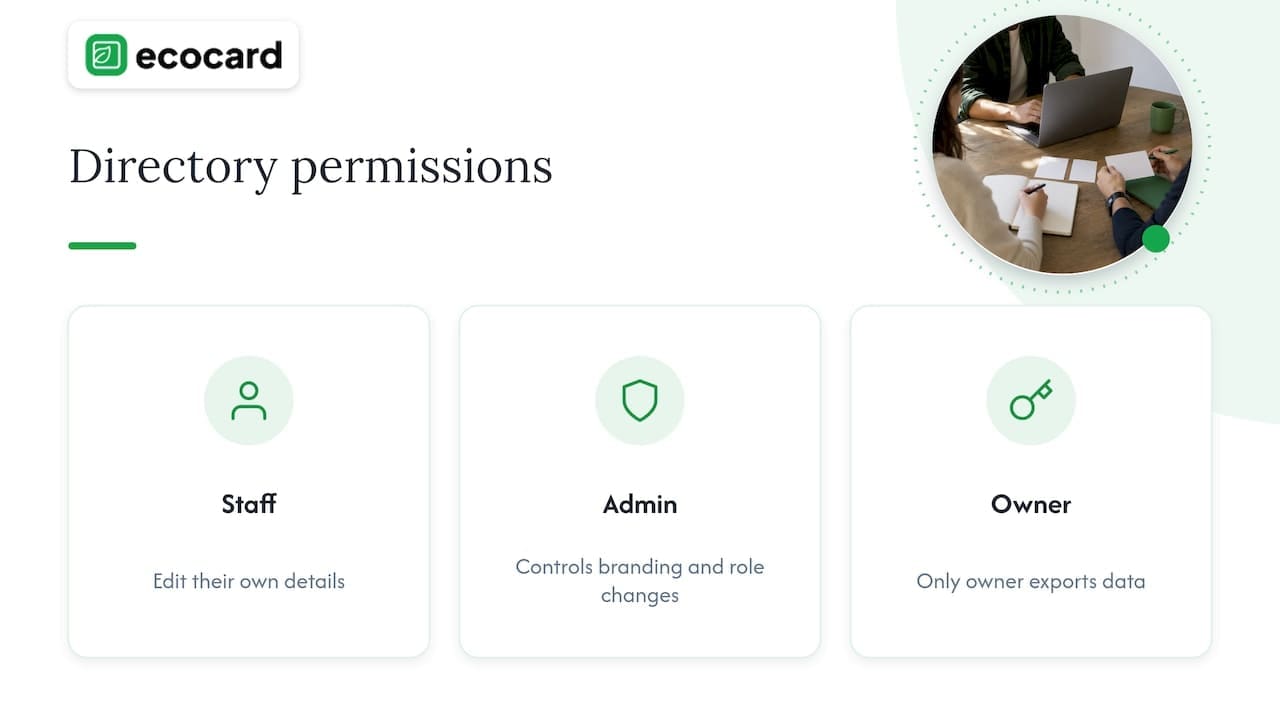
Write down three levels: staff edit their own details, an admin controls branding and role changes, and only the owner exports data. Put it on one page.
4. Standardise the format
Agree one phone format, one title style and one email pattern. If you show pronouns, agree on a consistent approach; our pronoun templates for NZ business cards cover wording and privacy.
5. Review on a schedule
A quarterly five-minute review catches most drift. Tie it to something that already happens, such as payroll or a staff meeting.
6. Keep customer-facing records tidy
If your directory touches complaints or enquiries, record who handled each one. Consumer Protection’s guidance on dealing with complaints tells businesses to record the customer’s contact details and the details of the complaint, and to know what steps to take. A directory that shows the right person to contact makes that easier to follow.
Why accurate business data is worth the effort
The NZBN programme makes a point that applies to every business, large or small: keeping your public business data up to date reduces the time spent repeating the same information to government and commercial partners. If you are in procurement, tenders or supplier onboarding, a wrong phone number or an old trading name costs time.
Your own listing should therefore start at the source. Update your NZBN record first, then copy the same details to any public directory you choose, word for word. Mismatched names and numbers across listings make you look less trustworthy to both people and search engines. If you are unsure how an organisation gets an NZBN, the NZBN application page explains that companies registered with the Companies Office have already been allocated one.
Where digital business cards fit
A directory tells people who is who. A card puts the right person’s details in someone’s phone in a few seconds. Used together, they cover both the browsing moment (a customer on your website) and the meeting moment (a handshake at an event).
Here is how the two compare for a small business.
| Static staff page or spreadsheet | Printed cards | Managed digital cards | |
|---|---|---|---|
| Updates when someone changes role | Manual, easy to forget | Reprint | Edit once, changes show live |
| Consistent branding | Depends on who edits | Depends on the print run | Set centrally |
| Starting and leaving staff | Manual | Wasted stock | Add or remove from one admin area |
| Shared at an event | Needs a link typed out | Handed over, then typed in | QR code, link or NFC tap |
| Waste | Low | Cards are discarded when details change | Reusable |
Our own guides go deeper if you want to see how this works in practice: employee digital business cards for NZ teams, the benefits for teams, from analytics to privacy and contactless networking in NZ.
Our perspective: a directory is a living thing
We built EcoCard because we kept seeing the same pattern. A business sorts out its contact details once, prints cards or builds a staff page, and within months the information has quietly drifted. Someone gets promoted, a number changes, a contractor leaves, and the old details keep travelling in people’s pockets and inboxes.
Our view is that contact details should be managed like any other business asset: owned, controlled and changed in one place. That is why we put central management at the centre of the product. An administrator sets the branding and the structure, and when a role changes, the card changes with it. When someone leaves, their card can be taken down without chasing a printer or a web developer.
We also think recipients should not have to do work. People who receive an EcoCard do not need to install an app. They scan a code, tap a phone or open a link. Individuals can keep more than one card and switch between roles, which suits consultants who wear several hats.
We will be straight about the limits. A digital card is not a replacement for the official registers, and it does not prove your company exists. It is the practical layer on top: the part that makes sure the people who find you can reach the right person with the right details.
— Chris
A sales team example
Picture a six-person sales team at an Auckland services firm. Each rep used to have their own email signature, a slightly different title and a stack of cards from the last print run. After a restructure, two reps have new regions and one has left.
With a managed directory of cards, the admin updates regions and titles once, removes the leaver’s card and checks that every remaining card uses the same logo and phone format. At a trade event, a rep shows a QR code. The prospect scans it, saves the contact and sees a link to a current portfolio or document. Afterwards the team can see how often each card was opened, which gives follow-up a starting point rather than guesswork. Our guide to one-tap digital business cards for NZ teams shows what that setup looks like.
That is the sales contact-sharing playbook in one line: one source of truth, shared in a way that costs the recipient nothing, followed up while the conversation is fresh.

What EcoCard offers
EcoCard is a digital business card platform for individuals, consultants, small businesses and teams. You can share through a QR code, a direct link or an NFC tap, keep several cards, save contacts to EcoWallet, share portfolios and documents, and see analytics on card usage. Businesses get central admin for branding and for onboarding and offboarding.
Published monthly prices in New Zealand dollars:
| Plan | Price |
|---|---|
| Individual | NZ$9.99 per month |
| Additional EcoCards | NZ$4.99 per month |
| Starter | NZ$19.99 per month |
| Business | NZ$49.99 per month |
| Teams | NZ$99.99 per month |
| Enterprise | Not published |
See the full plans on our pricing page, or read how GST affects small-team pricing before you choose. If you are managing staff, EcoCard for Business is the place to start.
Common mistakes to avoid
- Confusing a listing with proof. A listing shows that someone posted details. Only the register shows legal status.
- Publishing everything. Share work details by default and let people opt in to more.
- No leaver process. Old details left online are a privacy and a reputation problem.
- Inconsistent branding. If every card looks different, customers wonder which one is real.
- Ignoring accessibility. If you print or display QR codes, run our QR code accessibility audit so people with low vision or older phones can still scan.
FAQ
Where can I find official contact details for a New Zealand company?
Search the Companies Register or the NZBN Register through the Companies Office. They give you the legal name, registration status and registered contact details. For the best day-to-day contact method, then find the company’s own website independently and use the details there.
Is a commercial business directory reliable enough to verify a supplier?
Not on its own. Commercial directories are useful for discovery and first contact, but their data is often self-reported or out of date. Confirm legal identity and status on the official registers before you pay an invoice or sign a contract.
What is the difference between an employee directory and a digital business card?
An employee directory lists who is in your organisation and how to reach them. A digital business card is the personal, shareable version of one entry that someone can scan, tap or open in a link and save. Many teams use both, with central management keeping the details the same.
Who should be allowed to edit our company contact details?
Staff should edit only their own details, and one administrator should control branding, roles and removals. Limit exports to the owner. Writing this down in a one-page permission matrix prevents most data mix-ups.
Do people need an app to receive an EcoCard?
No. Recipients open the card by scanning a QR code, tapping an NFC-enabled phone or following a link. They can save the details to their phone without installing anything.
Sources
- All registers, Companies Office
- Searching the Companies Register
- Business advisors, New Zealand Business Number
- Applying for an NZBN
- Be alert. Stay scam safe, Consumer Protection
- Dealing with complaints and bad reviews, Consumer Protection
- Checklist for Setting Up Shared Contact Management
- From Silos to Shared: How We Made CRM Contacts Org-Wide
Recommended
- One Tap, Live Updates: Digital Business Cards for NZ Teams
- Employee Digital Business Cards: A Guide for NZ Teams
- Paste Ready NZ Phone Formats for Business Cards
- Avoid GST surprises: Digital business card pricing for NZ small teams
This article was produced with AI assistance and reviewed for accuracy. It is provided for general information only and is not professional advice.

