


Print your number with a “+” for the country code, drop the leading zero from that international form, and label it clearly (Telephone, Mobile, Freephone). For a New Zealand mobile, that means 021 234 5678 becomes +64 21 234 5678 on the card. On digital cards, pair the visible number with a tappable link or QR code so a reader can call without retyping anything.
TL;DR:
- Dropping the domestic trunk zero and adding “+64” ensures New Zealand phone numbers are dialable internationally and adhere to ITU standards.
- Grouping digits with spaces and avoiding parentheses around area codes improve readability and prevent misinterpretation.
- Including both printed and digital formats allows for accurate, current contact details that can be easily updated without reprinting.
- Labeling each number clearly and pairing printed numbers with QR codes enhances usability across printed and digital profiles.
Table of Contents
- A practical checklist for formatting phone numbers
- Copy-ready examples for printed and digital cards
- The standards behind these rules
- Making numbers work on screens, not just on paper
- Common mistakes and quick fixes
- When printed formatting is enough, and when digital earns its place
- A digital alternative that keeps your number current
- FAQ
- Sources
A practical checklist for formatting phone numbers
Before you send a card to print or publish a digital profile, run through a short set of rules. They come from ITU‑T Recommendation E.123, the standard that governs how telephone numbers should appear on printed materials, and from local numbering guidance.
- Use “+” before the country code instead of “00”; it is shorter and reads correctly worldwide.
- Drop the domestic trunk zero whenever you write the international form, so
09 123 4567becomes+64 9 123 4567. - Put a label before every number: Telephone, Mobile, Freephone or TTY, so the reader knows what they are dialling.
- Mark a freephone number as “(NZ only)” if it is not reachable from outside the country.
- When you show both versions, place the international line beneath the national one and align the digit groups, as E.123 recommends.
- Group digits in short clusters for legibility, and keep the widest gap between the trunk code and the subscriber number.
- Use spaces as separators rather than dots or slashes, which can be mistaken for part of the number.
Punctuation matters more than it looks. Parentheses around an area code can suggest the digits inside are optional, which is misleading once you have already switched to the international format. Keep the layout plain: a label, a plus sign, grouped digits, and nothing decorative in between.
Pro Tip: Print a test card at actual size and try dialling the number straight off the paper. If you hesitate over where one group ends and the next begins, add a space.

Copy-ready examples for printed and digital cards
These examples follow the grouping and labelling rules above, so you can paste them directly into a design file.
- Mobile, domestic:
Mobile: 021 234 5678 - Mobile, international:
Mobile: +64 21 234 5678 - Landline, domestic:
Telephone: 09 123 4567 - Landline, international:
Telephone: +64 9 123 4567 - Freephone:
Freephone: 0800 123 456 (NZ only) - Dual-line card format:
Telephone: 09 123 4567on one line,International: +64 9 123 4567underneath. - International-only, compact:
Telephone: International +64 9 123 4567 - With an extension:
Telephone: +64 9 123 4567 ext. 204
For extensions, keep the main number dialable on its own and add “ext.” followed by the digits rather than squeezing the extension into a bracket. A caller using the main line will still reach the switchboard even if they cannot see or type the extension.
The standards behind these rules
The checklist above is not a style preference. It follows ITU‑T E.123, which sets out notation for telephone numbers on business cards, letterheads and similar materials. It calls for the international version to sit beneath the national version with digits aligned, and for the “+” symbol to stand in for whatever international access code a caller’s own country uses.
Grouping digits and separating the trunk code from the subscriber number with a wider gap helps readers memorise a number correctly and reduces dialling errors.
Local numbering structure explains why the leading zero disappears in the international form. The New Zealand Number Administration Deed documents that mobile numbers follow a 02N… structure, with geographic numbers built from an area code plus a subscriber number of varying length. That leading zero is a domestic trunk prefix: it tells the local network to route a call outside the immediate exchange. Once you add a country code, the “+64” already does that job, so the zero is dropped rather than doubled up. If a card has very little space, E.123 allows printing the international form alone, labelled simply “Telephone”, rather than cluttering the design with two versions.
Making numbers work on screens, not just on paper
A printed number only has to look right, but understanding international dialling differences can help you format it correctly, as detailed in the Travel Internet Encyclopedia — Israel Connectivity. A digital one has to work when tapped, which means a second layer of formatting under the hood.
- Use a normalised
tel:link in E.164 form (no spaces, for exampletel:+6421234567) behind any visible, nicely formatted number. - Add non‑breaking spaces in HTML so a number never splits across two lines, a step New Zealand government content guidance recommends for exactly this reason.
- Proof the printed layout separately: a line break that splits a digit group looks like a typo even when the number is correct.
- If a QR code links to a profile, keep the visible number next to it and labelled, since not everyone will scan.
Pro Tip: Test the tel: link on an actual phone, not just in a browser preview. Some designers format the display text correctly and leave the link target as the old number.
Common mistakes and quick fixes
A handful of errors show up again and again on both printed and digital cards.
- Keeping the leading zero after adding “+64” (
+64 021 234 5678) makes the number undialable in that form; drop the zero. - Wrapping an area code in parentheses,
(09) 123 4567, implies it is optional, which contradicts the international line directly below it. - Shipping a QR code or
tel:link that was never tested against the final printed or published number. - Mixing separators across a card, such as dots on one line and spaces on the next; pick spaces and use them everywhere.
When printed formatting is enough, and when digital earns its place
A correctly formatted printed number still works well for formal, in-person networking: a conference booth, a client meeting, a handshake. It does its job and nothing more.
Where printed cards fall short is updates. A role change, a new mobile, a merged office number: all of it leaves the card wrong until the next print run. A printed number paired with a QR code to a live profile solves that gap without asking you to choose one format over the other. Format the number correctly either way, then decide how much of the rest you want to keep current automatically.
— Chris
A digital alternative that keeps your number current
Printed cards get the formatting right once and then sit still while your details change around them. EcoCard profiles update live, so a new mobile number or a changed extension shows up everywhere the card has been shared, without a reprint.
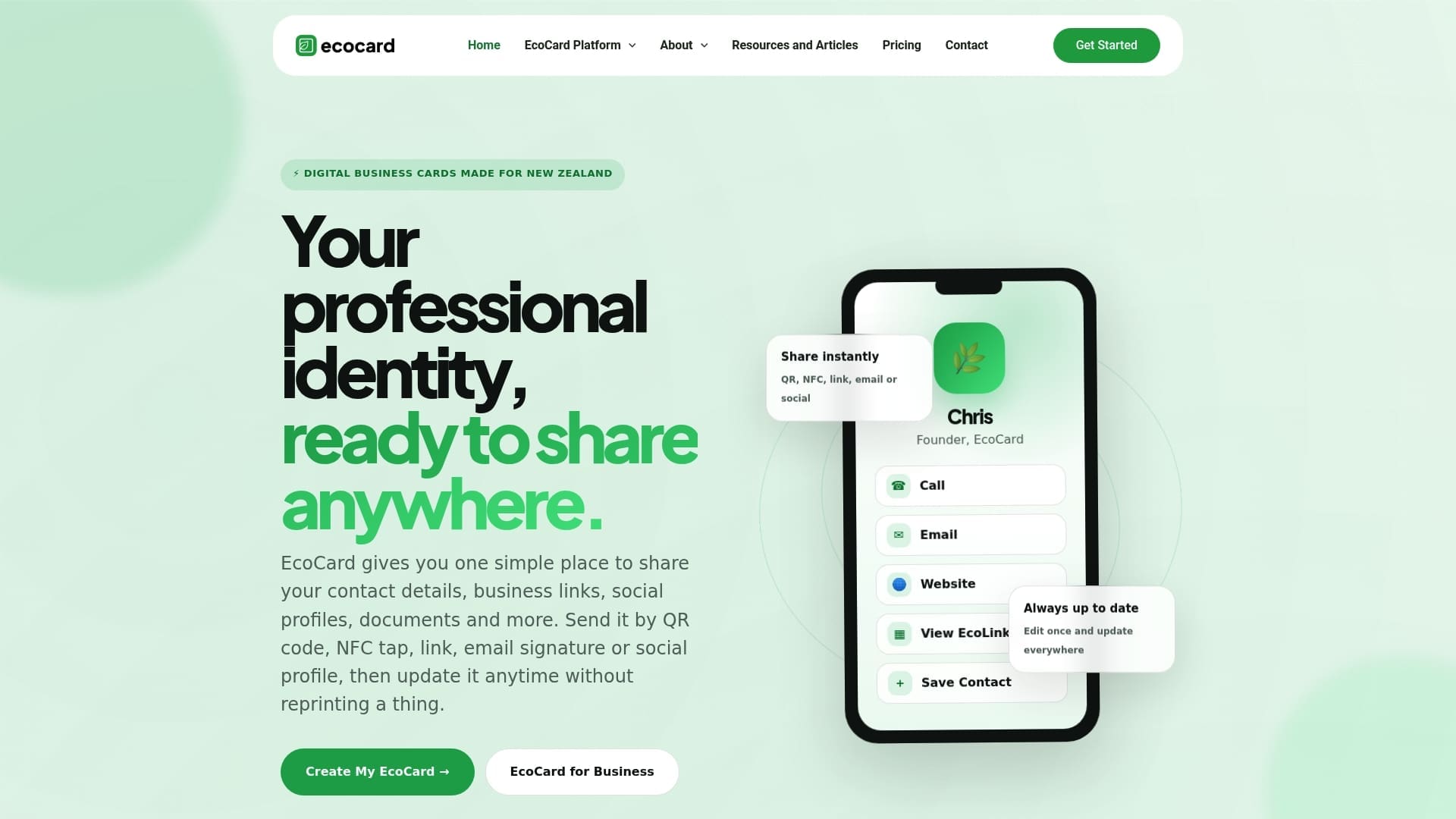
- Share a card by QR code or direct link, with the number already set up as a tappable target.
- Manage multiple cards or roles from one account if you juggle more than one contact point.
- Give a whole team consistent branding and contact formatting through central admin controls, covered on the features page.
An Individual EcoCard plan costs $9.99 NZD per month, with business and team options listed on the pricing page for anyone managing contact details across a larger group.
FAQ
What is the correct format for a phone number on a business card?
Use a “+” before the country code, drop the domestic leading zero in that international form, and label the number (Telephone, Mobile, Freephone). ITU‑T E.123 recommends placing the international version beneath the national one with digits grouped and aligned.
How do I show a phone number on a business card?
Write the label first, then the number with digits grouped for legibility and the widest gap between the trunk code and the subscriber number. On a digital card, back the visible number with a tel: link so it is tappable, as New Zealand government content guidance recommends.
How do I format a New Zealand phone number?
Write the domestic form with its leading zero for local use, such as 09 123 4567 or 021 234 5678, and switch to the international form by replacing that zero with +64, giving +64 9 123 4567 or +64 21 234 5678. The Number Administration Deed documents the 02N… mobile structure and area-code-based landline structure behind this conversion.
How do I write a +64 number?
Start with “+64”, then the area or mobile code without its leading zero, followed by the subscriber number in grouped digits, for example +64 21 234 5678 for a mobile or +64 9 123 4567 for an Auckland landline. Keep this form on a single line and use it as the tel: link target behind any visible digital number.
Sources
- ITU‑T Rec. E.123 — Notation for national and international telephone numbers, e‑mail addresses and web addresses
- FAQs — New Zealand Number Administration Deed (NAD)
- Numbers — NZ Digital government content guidance
Recommended
This article was produced with AI assistance and reviewed for accuracy. It is provided for general information only and is not professional advice.

