


Yes, digital business cards deliver real benefits: live updates, quick sharing and trackable follow-up. Adobe’s survey work suggests a QR code on a card can lift contact likelihood, and the Privacy Act 2020 shapes how you handle the details you collect. Printed cards still have a role, and we show how to combine both.
TL;DR:
- NFC support and wallet behavior vary by phone, so test routes on iPhone and Android and offer a QR code or direct link as fallback.
- Monthly EcoCard prices run from NZD 9.99 for individuals to NZD 99.99 for Teams, while enterprise pricing is not publicly listed.
- A life cycle assessment found paper cards can have lower impact at small scale, while digital systems use less energy and perform better at large scale.
- Adobe found QR codes boosted contact likelihood by 69%; under New Zealand’s Privacy Act 2020, explain collection purposes and offer an easy opt out.
- Keep print for in person introductions, then send a live profile afterward; a printed QR code should point to that profile, not a static page.
Table of Contents
- 1. What are the top practical benefits of digital business cards?
- 2. How do QR, NFC, links, vCards and wallet passes actually work?
- 3. How do you compare subscription costs with printing?
- 4. What does the evidence say about environmental impact?
- 5. How do digital cards help teams keep brand control?
- 6. How should you combine digital and printed cards?
- 7. What privacy steps apply when you collect contact details?
- 8. Why I would trial a managed digital card first
- 9. How can you manage cards with EcoCard?
- FAQ
- Sources
1. What are the top practical benefits of digital business cards?
If you only have a minute, these are the advantages that tend to matter most to professionals and business owners:
- Live updates without reprints. A new job title, phone number or office address changes once and every future share shows the right details. For a team, that ends the box of outdated cards sitting in a drawer.
- Faster sharing. A QR scan, an NFC tap, a link in a message or a saved wallet pass all remove the “let me find a pen” moment.
- Measurable follow-up. Lead capture and basic analytics turn a handshake into something you can count. You can see which events, links or campaigns actually led to contact. Our piece on lead capture QR codes for teams goes deeper on this.
- Lower recurring overheads. A subscription replaces repeated print runs, design tweaks and rush orders whenever someone changes role.
- Richer content. A digital profile can host a portfolio, documents, social profiles and booking links, none of which fit on a standard printed card.
- Environmental upside at scale. The evidence is more nuanced than the marketing suggests, and we cover it below.
Not every benefit matters equally to everyone. A solo consultant usually values live updates and cost. A sales team cares more about analytics and consistency. Rank them against your own situation before you decide.
2. How do QR, NFC, links, vCards and wallet passes actually work?
Understanding the sharing flows helps you choose the right one for the moment.
- QR codes. The other person points their phone camera at the code and opens your profile in a browser. No app is needed on their side. It also lets a printed card point to a live digital profile, so keep the code large enough to scan quickly. Our guide to print-ready QR code business cards covers sizing.
- NFC tap. A phone held near an NFC tag or card opens the same profile. It feels quick in person, but phone support and settings differ, so always offer a QR or link as a fallback.
- Direct link. Send your profile by text, email or a LinkedIn message. It is the most reliable option for follow-up after a meeting.
- vCard and wallet pass. The recipient saves your details straight into their contacts, or adds a pass to their phone wallet, so you stay findable without a tab left open.
Compatibility is the main caveat. Older phones may lack NFC, some email apps handle files differently, and wallet behaviour varies between platforms. That is why a good setup always offers at least two routes. For design that scans fast, see our notes on card design that updates live.
Pro Tip: Test every share route on both an iPhone and an Android phone, in poor light, before you hand cards to a whole team.
If you also want your business discoverable on maps, this guide to adding a business to Apple Maps is a useful companion step.
3. How do you compare subscription costs with printing?

Printing looks cheap per card, but the real cost includes design time, minimum runs, delivery and reprints whenever a detail changes. A subscription flips that shape: a predictable fee, with no waste when someone moves roles. Our listed monthly prices are NZD 9.99 for the Individual plan, 19.99 for Starter, 49.99 for Business and 99.99 for Teams. Enterprise pricing is not published.
Here is a simple checklist for working out whether digital pays back:
- Add up your print costs. Include design, printing, delivery and any rush fees over a full year.
- Count reprints. Note how often details change through promotions, new hires and moves.
- Value the time saved. Updating one profile beats re-ordering, redistributing and chasing stale cards.
- Estimate follow-up uplift. If analytics show more leads turning into conversations, put a dollar value on even a small improvement.
- Compare scale. A solo consultant has a small, steady cost either way. A small business sees savings as hires change. A larger team gains most, because one subscription tier replaces many reprint cycles.
Analytics are what let you prove the return. If you tag a card to an event, you can compare scans and follow-ups against what the stand cost. Our playbook for tracking QR scans shows how.
4. What does the evidence say about environmental impact?
Green claims deserve scrutiny. A two-stage life cycle assessment found that small-scale paper cards can sometimes show lower impact, but at realistic large scale the digital system was more environmentally friendly and used less energy.
The reason is manufacturing and use. A phone or server carries an environmental cost, and that is spread thinly when thousands of cards are shared, but not when the number shared is small. Scale changes the outcome, so businesses of different sizes should not assume the same answer.
Whichever format you choose, a few habits reduce the footprint:
- Order smaller print runs and avoid reprinting for minor changes.
- Consolidate multiple cards for one person into a single live profile.
- Choose recycled stock when you do print.
- Keep profiles light so they load quickly and use less data.
You can read more on our environmental impact page.
5. How do digital cards help teams keep brand control?
For organisations, the biggest gain is not any single card. It is control. Central administration lets one person set a template, so every employee card carries the same logo, colours and layout, and nobody improvises their own version.
- Templating. Brand changes apply once and flow through to every card.
- Bulk creation. New starters can get a correct card when they join, and departures can be removed quickly, so no one hands out a former colleague’s details.
- Team analytics. You see which people, events or campaigns generate the most contact, without chasing individual reports.
- One control point. A single place to manage every employee card beats a spreadsheet and a print order.
Our features page explains how templating and admin controls work in practice.
6. How should you combine digital and printed cards?
Paper still wins for first impressions and memorability. Adobe’s survey and mockup testing found that physical cards score strongly on both, so a hybrid approach keeps the best of each:
- Hand over a printed card with a QR code at events and premium in-person meetings.
- Send your digital card after the meeting with a short note, so the recipient gets your portfolio, links and booking details.
- Keep print copy minimal. A name, role, one line and a clear QR code beat a crowded card.
- Point the QR to a live profile, not a static page, so the card never goes out of date.
Pro Tip: Place the QR code on the back, with plenty of white space around it, and scan-test the printed proof before approving the run.
7. What privacy steps apply when you collect contact details?
Collecting a name, email address or phone number is handling personal information under the Privacy Act 2020, which expects you to be transparent about what you collect and why. New Zealand legal guidance recommends a few simple habits:
- Give a clear collection notice at the point where details are entered.
- Link to an accessible privacy policy from your profile.
- Collect only what you need, and no more.
- Keep an internal acceptable-use policy so staff know how to handle contacts.
- Have a breach response plan ready before you need it.
A short notice covering what you collect, why, who sees it and how to ask for removal is usually enough to start. A marketers’ guide to the NZ Privacy Act stresses clear notices, accurate data and an easy way to opt out of direct marketing.
Adobe’s survey work found a 69% boost in contact likelihood when a card carries a QR code. That makes trust at the point of collection worth getting right.
8. Why I would trial a managed digital card first
The benefits I would put first are the unglamorous ones: details that are always current, easier follow-up and one place to manage a team’s cards. Fancy features matter less. My recommendation is simple. Run a centrally managed card for a trial period, with analytics switched on, at an event or campaign. Compare the follow-up you actually get against your last print run, then decide with real numbers rather than opinion.
— Chris
9. How can you manage cards with EcoCard?
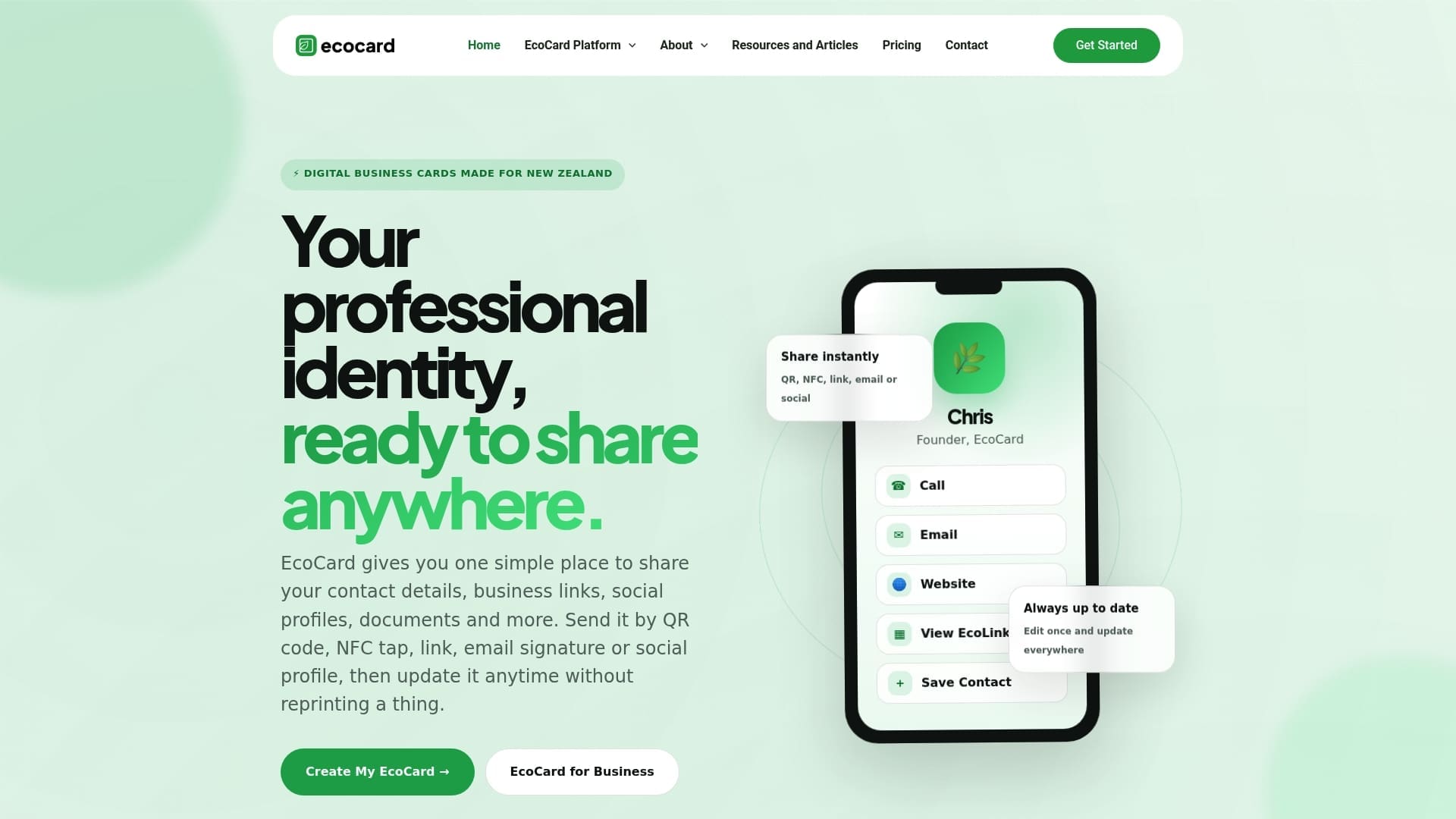
If you want one tool that updates live and keeps a team on brand, we built EcoCard for exactly that. We offer central management, live updating and team features to help teams keep their cards consistent and up to date. It suits individual professionals, small teams and organisations that need consistent branding without reprinting. You can compare plans on our pricing page, see how everything fits together on our features page, or create your first digital card today.
FAQ
What is the most common digital business card?
The most common format is a mobile-friendly profile page shared by QR code or link. The recipient opens it in a browser without installing anything, and can save the details to their contacts. NFC cards and wallet passes build on the same idea.
What do people use instead of business cards?
Many people now share a digital profile through a QR code, a link in a message or a LinkedIn connection. Some pair it with a printed card that carries a QR code. The Adobe survey found physical cards remain strong on first impressions, so many professionals use both.
Why would someone give you their business card?
They want you to remember them and have a reliable way to follow up. A card carries a name, role and contact route in one handover. A digital card adds links, a portfolio and details that stay current.
Are digital business cards better for the environment?
At large scale, usually yes. A life cycle assessment found the digital system was more environmentally friendly at realistic scale, though small-scale paper use can sometimes score lower. Your result depends on how many cards you would otherwise print.
Sources
- [Privacy Act 2020
| New Zealand Legislation](https://www.legislation.govt.nz/act/public/2020/0031/latest/LMS23790.html) - Personal Information Under New Zealand’s Privacy Act | Sprintlaw NZ
- What makes a business card work? | Adobe
- A Two-stage Comparative Life Cycle Assessment of Paper-based and Software-based Business Cards
Recommended
- 10 Mobile First Digital Business Card Examples for Professionals
- Secure, live digital business card: QR, link & vCard for professionals
- 3 Second Scan Digital Business Card Design That Updates Live
- Stop Stale Contacts: Lead Capture QR Codes for Teams
This article was produced with AI assistance and reviewed for accuracy. It is provided for general information only and is not professional advice.

