


The fastest reliable way to create a digital business card is to build a profile with a provider that generates a QR code, a share link and a vCard together, so recipients can save your details in seconds on any phone. You will end up with a live, updatable profile rather than a static file. Before you send it anywhere, check the link preview so nobody mistakes it for a phishing attempt.
TL;DR:
- Using a profile that generates a QR code, share link, and vCard ensures quick, reliable contact transfer, but always verify the link preview to prevent phishing.
- Building a live, updatable profile with minimal info and a clear call to action improves professionalism and reduces clutter, especially when using a web-hosted card.
- Checking all shared links, QR codes, and contact details frequently and updating them immediately prevents outdated information and security risks.
- Upgrading from a free plan becomes worthwhile when managing multiple staff profiles, requiring branded templates, or needing detailed engagement analytics.
Table of Contents
- Step-by-step: how to make a digital business card
- How to share your card: QR, NFC, links, wallet and vCard
- Customise and brand your card without overloading it
- Privacy and security: avoiding QR scams and protecting contact data
- Maintaining and updating a live card over time
- Free tools vs paid plans: when to upgrade
- What actually makes a digital card work
- EcoCard: a practical option for individuals and teams
- Sources
- FAQ
Step-by-step: how to make a digital business card
Building a working card takes less time than ordering printed ones, provided you gather the right details before you start.
First, assemble your assets. You need your name, pronouns if you use them, job title, phone number, email, website, one or two social links, a short tagline, a logo or headshot, and a single clear call to action such as “book a call” or “email me directly.” Trying to add everything you own to the card later just clutters it.
Next, decide on your approach. Most professionals do best with a web-hosted profile through a card builder, since it updates instantly and works for anyone with a phone camera. A wallet vCard suits people who mostly exchange details one-to-one and want the file sitting in Apple Wallet or Google Wallet. A physical NFC card is worth adding once you are already networking often enough to justify the hardware.
- Create your profile in a card builder or on a page of your own site, filling in the assets you gathered.
- Generate your QR code and share link from that profile.
- Export a vCard (.vcf file) as a backup sharing method for people who cannot scan a code.
- Publish the card and test the QR, link and vCard on both an iPhone and an Android phone before you rely on it.
When you test, confirm the contact saves with the correct name, job title and organisation fields rather than being dumped into a single notes field, since mapping errors are common between iOS and Android contact apps.
Pro Tip: Send yourself the share link by text and email before your next event, so you catch any broken field or wrong photo while there is still time to fix it.
How to share your card: QR, NFC, links, wallet and vCard
Each sharing method suits a different moment, and knowing which one to reach for saves you fumbling at a handshake.
- QR codes work best face to face: print one on a lanyard or badge, or display it on your phone screen, and the other person’s camera app opens a link preview before they tap through.
- NFC cards let someone tap their phone against yours to open your profile with no camera needed, which is handy in noisy venues where scanning is awkward, though the recipient’s phone needs NFC switched on.
- Share links work for remote networking: drop them into an email signature, a LinkedIn message or a text when you cannot exchange details in person.
- Wallet passes (Apple Wallet or Google Wallet) let recipients save your card without installing any app of yours, which removes a real barrier to follow-up.
- vCard exports (.vcf files) follow the vCard format specification, the technical standard that most phones and address books read natively, so a properly formatted .vcf saves cleanly into Contacts on either platform.
Before you rely on any QR code at an event, follow the practical steps for creating a QR code poster, which cover location verification and printing that keep the code scannable from a distance.
Customise and brand your card without overloading it
A card that looks professional and scans quickly beats one crammed with every link you own.
- Use a clear headshot or logo, strong contrast between text and background, and a single accent colour rather than several competing ones.
- Limit copy to one tagline, one primary link and two action items, typically a phone call and an email.
- Add an intro video or portfolio link only if it supports your pitch directly, since extra media slows the page and distracts from the main call to action.
- Businesses managing several staff cards benefit from a shared template that keeps logo placement and colours consistent across the team, a control EcoCard’s features page covers in more depth.
Looking at real examples of finished cards is a quicker way to judge what “clean” looks like than reading a list of rules.
Pro Tip: If you are unsure whether to include something, leave it off the first version. You can always add it once you see how people actually use the card.

Privacy and security: avoiding QR scams and protecting contact data
QR codes carry a real scam risk alongside their convenience. New Zealand’s NCSC warns that QR codes are a growing vector for phishing, often called “quishing,” and recommends checking the destination URL before tapping through. Own Your Online adds that malicious codes are sometimes stuck over legitimate ones, so a code that looks slightly out of place at a venue is worth avoiding.
- Always check the link preview your phone shows before opening a QR code, and never download an app from an unfamiliar code.
- Avoid shortened or opaque URLs on your own card, since they make it harder for recipients to verify where the link goes.
- Before choosing a provider, ask how it stores contact data and whether that data is used for anything beyond displaying your card, in line with the privacy-by-design approach Business.
- For team cards, confirm who can edit each profile and how access is removed when someone leaves the business.
One in a growing number of reported QR-related incidents tracked by the NCSC involves a code swapped for a malicious one, a reminder to check any code before scanning it, even one you printed yourself months ago.
Maintaining and updating a live card over time
Treat your card the way you would any small piece of software you depend on: check it, back it up and update it rather than setting it and forgetting it.
- Update your card the moment a detail changes, such as a new role, phone number or social link, rather than waiting for your next print run that no longer exists.
- If you juggle more than one role, such as a side consultancy alongside a main job, keep separate cards and switch between them instead of overwriting one profile each time.
- Export a vCard backup periodically and keep a copy of your profile details somewhere outside the platform, in case you ever need to rebuild it elsewhere.
- Run a quick quarterly check: click every link on your card, confirm the QR still resolves correctly, and glance at any view or click analytics your provider offers to see whether the card is actually being used.
Free tools vs paid plans: when to upgrade
A free digital card usually gives you a single profile, a QR code, a share link and basic customisation, which is plenty for someone testing the idea or networking occasionally.
- Free tier signals: one card, standard template, QR and link sharing, no custom domain.
- Paid tier signals: multiple cards, custom domain, team templates, usage analytics and NFC hardware options.
- Upgrade triggers: growing team size, a need for consistent branding across staff, or wanting to see who is actually engaging with your card.
- Decision checklist: weigh how often you network, how much brand consistency matters to your business, and whether you need admin control over who can edit or remove a card.
Individuals who just want one clean card rarely need more than the free or entry tier, while a business coordinating several staff cards usually outgrows it fast.
What actually makes a digital card work
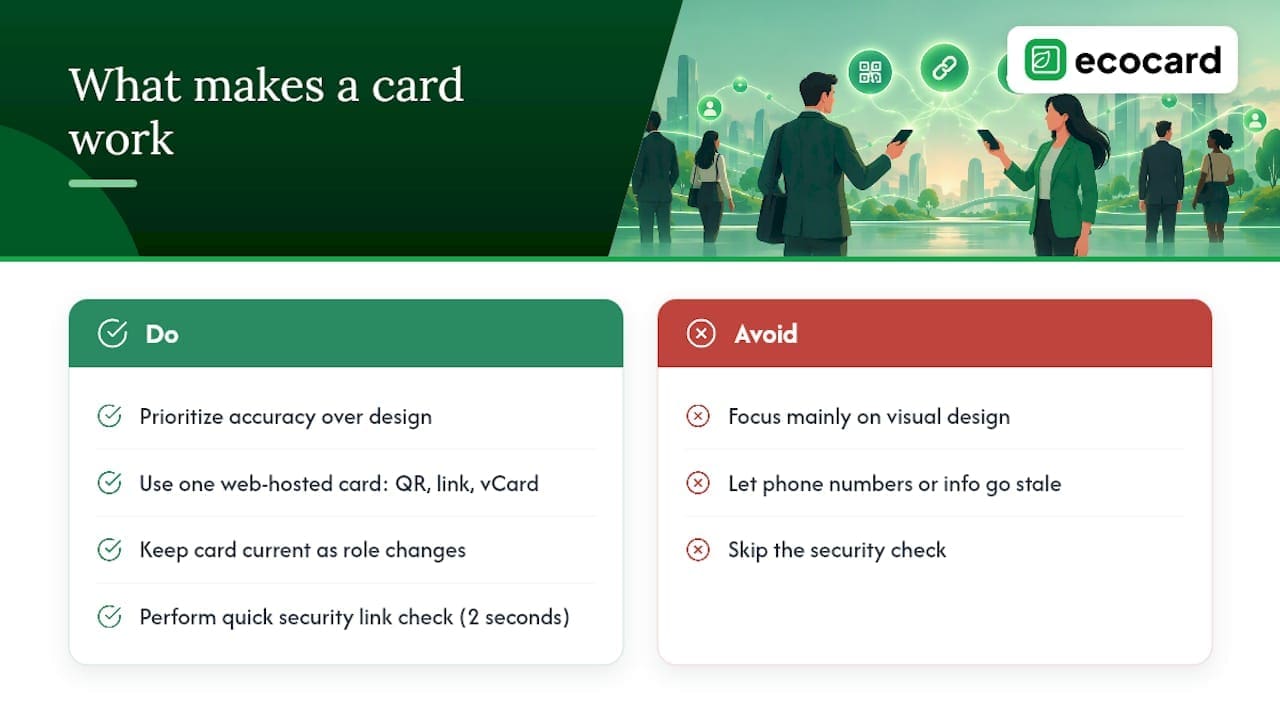
Most advice on this topic focuses on design, but design is the smallest part of a card that actually gets used. The bigger question is whether you will keep it accurate. A beautifully designed card with an old phone number is worse than a plain one that is correct, because the whole point of going digital is that it never has to go stale.
The default worth choosing is a single web-hosted card with a QR code, a share link and a vCard export, kept current as your role changes. Speed matters at a handshake, but the security check on a link takes two seconds and saves you from ever being the person whose QR code got someone phished.
— Chris
EcoCard: a practical option for individuals and teams
Everything this guide recommends, a live QR and link, vCard export, and a card you actually keep updated, is what EcoCard is built to do, without asking recipients to install anything. Individuals get one polished profile they control directly, while businesses get central management so every staff card stays on-brand and can be switched off instantly when someone leaves the team.
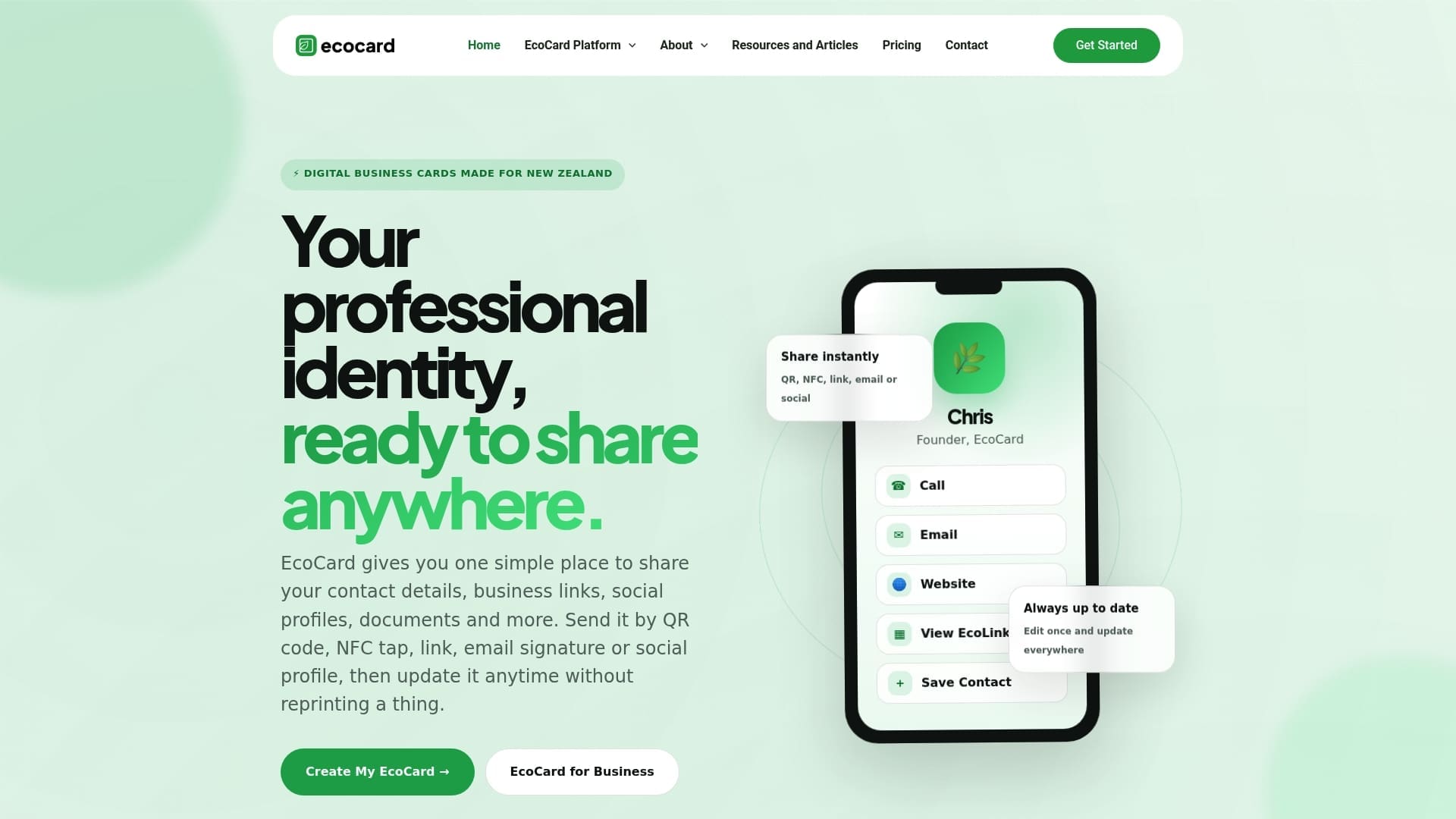
The solution suits a solo consultant who wants one reliable card just as well as a business coordinating multiple staff profiles under one set of branding rules.
Check the full pricing page to compare plans against your team size and see which tier fits before you commit.
Sources
- QR codes: Think before you scan — NCSC
- Business
- RFC 6350 — vCard Format Specification
- Take care with QR codes — Own Your Online
- How to create your QR Code Poster — Business Connect
FAQ
Can I create my own digital business card?
Yes, most card builders let you sign up, enter your details and publish a profile within minutes, without needing any design skills. You typically get a shareable link and a QR code as soon as you finish setting up your fields.
How do I create a digital card for free?
Sign up for a free tier from a card builder, fill in your name, title, contact details and one or two links, then generate your QR code and share link. Free tiers usually cap you at one card and basic customisation, with paid tiers adding multiple cards, custom domains and analytics.
Is there a free digital business card app?
Several providers offer a free tier or a free trial that covers one card with QR and link sharing, though feature limits vary by provider. Check each provider’s pricing page directly, since free-tier inclusions change over time.
Can ChatGPT make business cards?
ChatGPT can help you write the copy for a card, such as a tagline or short bio, or suggest layout ideas, but it cannot generate a live, scannable QR code or a working vCard file on its own. You still need a card builder or web page to publish a functioning shareable card.
Recommended
This article was produced with AI assistance and reviewed for accuracy. It is provided for general information only and is not professional advice.

