


A company business card policy is a short, written set of rules that says what appears on every employee’s business card, who controls it, how it is shared and what happens to it when someone changes role or leaves. If your cards are digital, the policy can be one page. If they are still printed, the same rules apply, but they are harder to enforce because every old card in a client’s drawer is out of your hands.
This guide is about contact cards that carry a person’s name, role and details, not corporate credit cards (a different policy with spending limits and approvals). Below you will find what to include, a ready-to-adapt template, the New Zealand privacy points to cover, and a simple way to roll it out in a small business.
TL;DR
- A good policy covers six things: who gets a card, what is on it, branding, how it is shared, how it stays accurate, and what happens at exit.
- Use work details only. Leave home addresses and personal mobile numbers off every card.
- Under the Privacy Act 2020, you need reasonable safeguards for personal information and must keep it accurate and up to date.
- Digital cards make the policy enforceable: one admin changes a role or logo once and every card updates.
- Keep it to one page, name an owner, and review it twice a year.
Table of Contents
- What a company business card policy is, and who it should cover
- What belongs on an employee card (and what stays optional)
- Branding rules: consistent, with room for the person
- How employees should share their cards
- Privacy and security: what a NZ business should cover
- Keeping cards accurate: joiners, movers and leavers
- A one-page policy you can adapt
- Putting the policy in place in a small business
- Our perspective
- Setting up your cards with EcoCard
- FAQ
- Sources
What a company business card policy is, and who it should cover
The policy answers one question: when an employee hands over a card, what does the customer see, and is it right? It is a brand document and a privacy document at the same time. The name, title, phone and email are personal information about an identifiable person, so how you collect, display and retire them matters.
Cover everyone who represents the business to outsiders:
- Permanent staff, especially sales, account managers and anyone customer-facing.
- Contractors and consultants who act under your name. Decide whether they get a card and what it says about their status.
- Directors and owners, who should follow the same template as everyone else.
- Event and temporary staff, who may need a simple card for a single trade show.
If you are a small team, you can write “all staff” and then list exceptions. The point is that no one is guessing.
What belongs on an employee card (and what stays optional)
Split the card into required, optional and prohibited fields. This is the part staff read most closely, so make it concrete.
| Field | Status | Notes |
|---|---|---|
| Full name and job title | Required | Use the approved title from HR records, not a self-invented one |
| Company name and logo | Required | Supplied by the business, not uploaded by staff |
| Work email | Required | The company domain only |
| Work phone or mobile | Required if used for work | Business number, not a personal one |
| Company website | Required | One approved link |
| Business social profile (for example LinkedIn) | Optional | Must be a professional profile the employee is happy to keep current |
| Short bio or tagline | Optional | Length limit, no claims you cannot back up |
| Portfolio, brochure or price list links | Optional | Only from an approved set of documents |
| Photo | Optional | Professional headshot, employee’s choice |
| Home address, personal phone, personal social accounts | Prohibited | Not needed for work and creates privacy risk |
The prohibited row matters. Our own guidance on digital business card privacy makes the same point: share what a contact needs to reach the person at work and nothing more.
For consultants who share diverse portfolios, allow more than one link, but keep each one on a short approved list. A consultant with two roles may legitimately need two cards, each with its own title and links. Say so in the policy so it is a feature rather than a loophole.
Branding rules: consistent, with room for the person
Staff like a little personality and customers like consistency. A policy can give both if it is specific about who controls what.
Locked by the business:
- Logo, colours and fonts
- Layout and the order of fields
- Company name, website and legal wording
- Job title format (for example “Senior Account Manager”, not “Sales Ninja”)
Chosen by the employee, within limits:
- Profile photo, from a short list of acceptable styles
- A one-line bio, up to an agreed length
- Which optional links to show
- Their preferred display name, where it differs from their legal name
Write the limits as a test a staff member can apply alone: “Would you be comfortable if a client’s manager read this?” That is easier to follow than a list of banned words.
With printed cards, branding drifts. Someone reorders a batch with an old logo, someone else adds a personal mobile. With a central admin setup, the locked elements sit in a template that staff cannot edit. That is how a policy becomes something the system enforces rather than something the office manager chases.
How employees should share their cards
Spell out the approved ways to share, so nobody invents a workaround that leaks details or looks off-brand.
- QR code for meetings, events and printed material such as a proposal cover page or email signature.
- NFC tap when meeting in person. The recipient taps their phone against yours and the card opens.
- Direct link by email, text or messaging. Our guide to sending a card on WhatsApp walks through it.
- Email signature with the card link, so every message carries the current details.
A practical point for your policy: recipients should not have to download anything. A card that opens in the phone’s browser is far more likely to be used by a busy client, which is what our explainer on a digital business card with no app covers.
At events, a good rule is that staff share their card when asked or when a conversation has reached a natural next step, and never scan or collect other people’s details without their say-so.
Following up after a card is shared
Handing over a card is not blanket permission to market to someone. The Department of Internal Affairs explains that under the Unsolicited Electronic Messages Act, receiving a business card is unlikely to justify unrelated commercial messages, and consent can be inferred only for messages tied to the relationship that formed when the card was supplied. Put a line in the policy: a follow-up email about the conversation you had is fine, adding the contact to a general newsletter list needs a proper basis such as their own sign-up.
Privacy and security: what a NZ business should cover
The Privacy Act 2020 applies to agencies, which includes businesses and employers operating in New Zealand. Four points from the Act belong in a card policy, each tied to a practical rule.

Safeguards. Information Privacy Principle 4 requires security safeguards reasonable in the circumstances against loss and against unauthorised access, use, modification or disclosure. In practice: protect admin accounts with strong sign-in, limit who can edit cards, and keep an audit of who changed what.
Accuracy. The Act expects personal information to be accurate and up to date before it is used or disclosed. A card showing a former job title or a disconnected number fails that expectation. This is why the review and exit rules below are not optional extras.
Limited disclosure. Information should be disclosed only for authorised purposes. Keep cards to work details and make the prohibited-fields list explicit.
Not kept longer than needed. When someone leaves, their card and the data behind it should be retired, not left live indefinitely.
Two extras are worth a line. First, if a vendor holds your card data, think about what that vendor can see and where it goes. The same discipline you would apply to any outside team handling your data applies here: know who has access and limit it. Second, staff can ask what personal information you hold about them. Employers generally need to respond no later than 20 working days after receiving a request, so know where card data sits.
From 1 May 2026, a new principle, IPP 3A, extends notification duties to information collected indirectly. One payroll guide suggests adding third-party disclosures to employee privacy notices. If your card platform or CRM receives staff or contact data, mention it in the notice you give employees. For a plain-English view of the legal side, see our piece on GDPR and business cards for NZ businesses. If you are unsure how the Act applies to your situation, ask the Office of the Privacy Commissioner or your lawyer.
Keeping cards accurate: joiners, movers and leavers
Most card problems are timing problems. A person changes role on Monday and the card is wrong until the next print run, or forever.
New starters. Create the card on day one from the approved template. The employee adds their photo and optional fields within their first week. Link it into their email signature.
Role changes. HR or the line manager notifies the card owner. The admin updates the title and details within a set time, say two working days. With live updating, everyone who saved the card sees the change.
Leavers. On the last day, deactivate the card or redirect it to a general company contact. This sits alongside the rest of your exit steps, and our employee offboarding checklist shows where card removal fits next to final pay and device return.
Regular audit. Twice a year, the card owner checks every active card against HR records: titles, numbers, links, and whether each person still works there.
If you also keep a staff directory, the company contact directory guide shows how to keep that consistent with the cards.

A one-page policy you can adapt
Copy this and edit it to suit your business.
1. Purpose. To make sure everyone who represents [Company] presents accurate, consistent and respectful details, and that personal information is handled in line with the Privacy Act 2020.
2. Scope. Applies to all employees, directors and contractors who are issued a card.
3. Ownership. [Role, for example Operations Manager] owns this policy and the card template. [Role] administers cards.
4. Content. Cards show approved name, title, company, work email, work phone and website. Optional: business social profile, photo, short bio, approved documents. Not permitted: home address, personal phone number, personal social accounts.
5. Branding. Logo, colours, layout and title format are set by the business and may not be changed by individuals.
6. Sharing. Cards are shared by QR code, NFC, link or email signature. Contact details collected from others are used only for the purpose they were given, and not added to marketing lists without a proper basis.
7. Accuracy. Changes in role or details are reported to [Role] and updated within two working days. Cards are audited every six months.
8. Leaving. Cards are deactivated or redirected on the employee’s last day.
9. Questions and breaches. Raise any concern, such as a wrong detail or a lost phone with the card open, with [Role] straight away.
10. Review. This policy is reviewed every year and after any change in privacy law.
Putting the policy in place in a small business
You do not need a project team. A workable rollout for a business of five to fifty people:
- Pick the owner. One person, usually the business owner or operations lead.
- Decide the template. Settle fields, logo placement and title format. Do this before creating any cards.
- Create the cards centrally. Admin builds all cards so the branding is identical from the start.
- Brief the team in ten minutes. Show them how to share by QR, tap and link, and what stays off the card.
- Add the card link to email signatures. This is the quickest way to make every email a live contact card.
- Set a calendar reminder. Audit in the same weeks as your other six-monthly reviews.
The employee digital business cards guide covers the team setup in more detail.
Our perspective
A policy only works if it is easier to follow than to ignore. Printed cards fail that test: the day you update a title, hundreds of old cards are still out there, and you cannot fix them.
This is why we built EcoCard around central management. The business sets the branding once, staff get cards that look right, and when a role changes the admin edits one record and every shared card shows the update. Joiners and leavers are handled in the same place, so the policy and the practice stay together.
We also think a card policy should lead with privacy. Work details only, no app for the recipient to install, and a clear owner for every card. Do that and you protect your people and impress your customers with the same page.
Chris
Setting up your cards with EcoCard
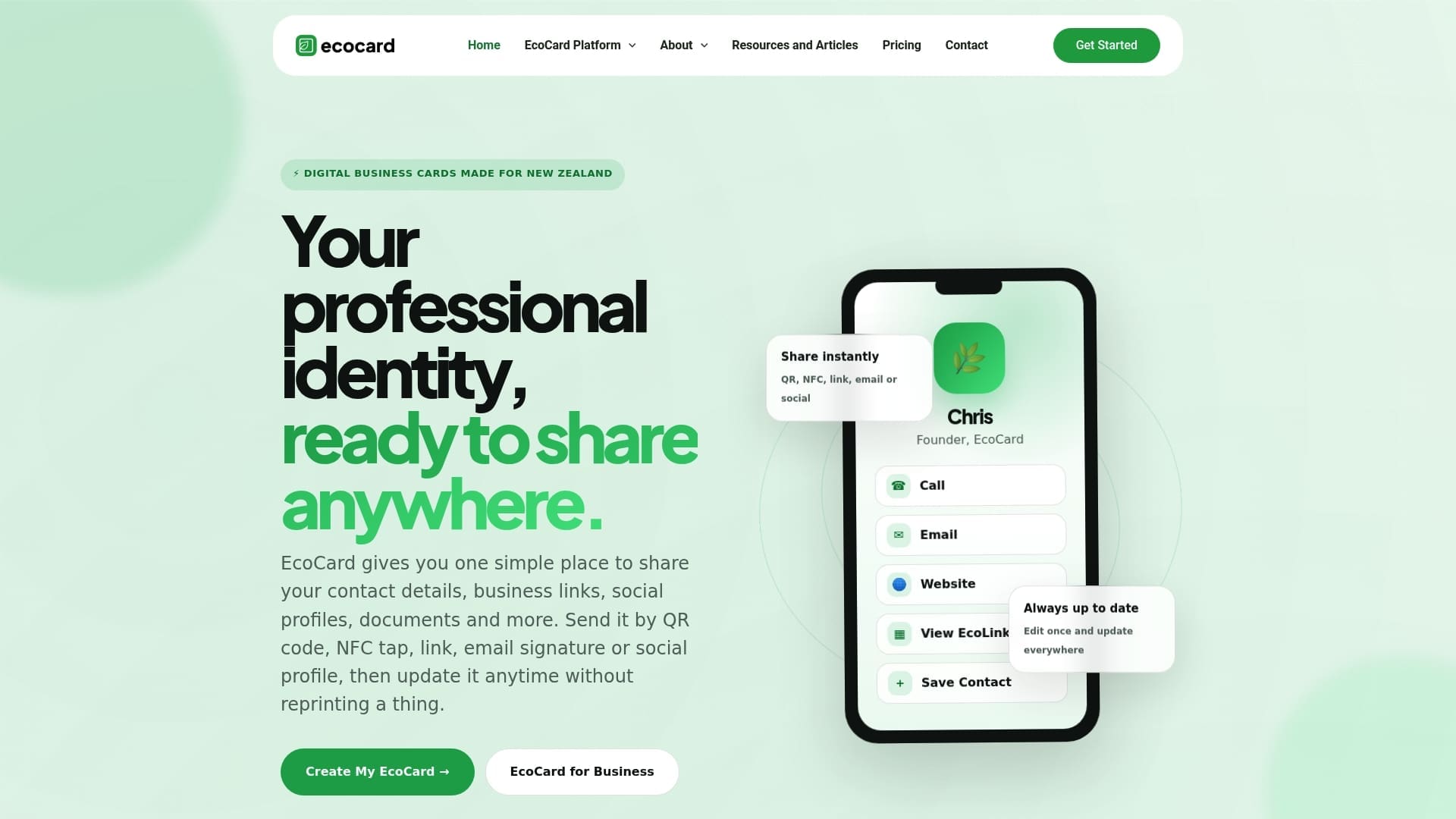
If you want the policy enforced by the system rather than by reminders, EcoCard gives you central admin management, branded profiles, multi-card support, live updating, QR code, NFC tap and direct-link sharing, plus team onboarding and offboarding and analytics on card usage.
Published pricing (billed monthly): Individual is 9.99 NZD per month, Additional EcoCards are 4.99 NZD per month, Starter is 19.99 NZD per month, Business is 49.99 NZD per month and Teams is 99.99 NZD per month. Enterprise has no published price. See the full plan details or look at EcoCard for Business to see how the admin side works.
For smaller teams worried about the final bill, our note on digital business card pricing and GST explains what to expect.
FAQ
Do we need a business card policy if we only have a few staff?
Yes, but it can be five lines. Agree what goes on the card, who updates it and what happens when someone leaves. Small teams often have the most inconsistent cards because everyone made their own.
Can employees put their personal mobile number on a company card?
Our recommended policy says no. A business number keeps work contact with the business after the person moves on, and it avoids sharing more personal information than a contact needs. If staff use a personal phone for work, consider a work number or a shared line.
Who owns the contacts an employee collects when sharing cards?
That depends on your employment agreements and how the contact was gathered, so put it in writing. Whatever you decide, use the details only for the purpose they were provided, as the Privacy Act requires. Ask a lawyer to check the wording of your agreements.
How often should we review the policy?
Review the policy once a year and audit the cards themselves every six months. Also review after a change in privacy law or a change in the systems that hold card data.
Sources
- Privacy Act 2020, New Zealand Legislation
- Spam frequently asked questions, Department of Internal Affairs
- Employee Information Requests, Sprintlaw NZ
- IPP 3A and NZ privacy changes May 2026, Affinity Payroll
- Offshore Team Security: How to Protect Your Code and Data
Recommended
- Digital Business Card Privacy: What NZ Professionals Should Check
- Paste Ready NZ Phone Formats for Business Cards
- Employee Digital Business Cards: A Guide for NZ Teams
- Avoid 4 Print Mistakes When Adding LinkedIn to NZ Business Cards
This article was produced with AI assistance and reviewed for accuracy. It is provided for general information only and is not professional advice.

