


You replace paper business cards by creating one digital card that holds your details, links and portfolio, then sharing it with a QR code, a tap or a short link. The person you meet saves your details to their phone, and when your role or number changes, you edit the card once and every future share is correct. No reprint, no box of out-of-date stock in a drawer.
This guide covers how to make the switch in practice: what goes on the card, how to share it when the signal is poor, how a business keeps a whole team consistent, how to follow up, and what New Zealand privacy law means for the way you handle the details you collect.
TL;DR
- A digital business card is one profile with your contact details, social links and portfolio, shared by QR code, NFC tap or link. You can edit it at any time.
- Recipients should not need to install an app. They scan or tap, and your card opens in their browser.
- For poor signal, keep a QR code ready on your phone lock screen or printed on a lanyard, badge or email signature, and follow up once you are back online.
- Teams get the most from central management: one brand, one set of templates, and quick onboarding and offboarding.
- Under the NZ Privacy Act 2020, collect only the details you need for a clear purpose, and ask people before you add them to a mailing list.
Table of Contents
- What it means to replace paper cards
- Why people are making the switch
- What to put on your digital card
- How to create and share your card
- Sharing when you have no signal
- Keeping a whole team consistent
- Following up after you share
- Privacy in New Zealand
- Our perspective
- Choosing a plan
- A simple switch-over plan
- FAQ
- Sources
What it means to replace paper cards
A paper card is a fixed snapshot. It has a name, a title, a phone number and an email, printed in a batch. The moment any of those change, the stock is wrong. Worse, the card has no way to show your recent work, your booking link or your LinkedIn page, and the person who receives it has to type your details into their phone, which many never do.
A digital card turns that snapshot into a living page. It still does the same job: it says who you are, what you do and how to reach you. But it also carries links, documents and images, and it sits behind a QR code or tap that moves your details straight into the other person’s contacts.
Replacing paper does not mean you must never hand over anything physical. Many professionals keep a small printed card or badge that carries a QR code, so the physical moment still works and the content behind it stays current. We cover that in our guide to whether business cards are dead in NZ.

Why people are making the switch
Cost of change. Printing is cheap per card but expensive when details change. A new job title, a new mobile number or a rebrand means a new print run. A digital card changes once, for everyone, immediately.

Waste. Paper cards often end up in the bin within days of being handed over. A digital card is reusable by design, so there is nothing to throw away.
Reach. A printed card holds perhaps five lines. A digital card can hold a short bio, a booking link, case studies, a PDF capability statement and several social profiles.
Follow-up. A saved contact is far more likely to turn into a conversation than a card in a pocket. If you follow up within hours, the person still remembers where they met you.
For a broader look at the benefits, especially for teams, see our rundown of digital business card benefits from analytics to privacy.
What to put on your digital card
The best cards are short on the first screen and deep underneath. Someone should see who you are and be able to save you within three seconds. Detail sits further down for those who want it. Our piece on digital business card design that updates live goes deeper on layout.
The essentials
- Your name, role and company
- A recognisable photo or logo
- One mobile number and one email, the ones you actually answer
- A save-to-contacts button
- Your website
The extras that earn their place
- A booking or enquiry link. This turns a polite chat into a next step.
- Two or three social profiles. LinkedIn is the usual one for business. Add others only if they show professional work.
- A portfolio or documents. Consultants, architects, designers and tradespeople can link case studies, a capability statement or a price guide.
- A short line on what you do for whom. “I help Waikato dairy farms with farm accounting” beats a bare job title.
Leave off anything you would not want a stranger to have. A home address, a personal mobile you do not want called on weekends or a long list of old projects are all better left out. Because the card is live, you can add or remove items whenever your needs change.
How to create and share your card
The set-up is quick, usually done in one sitting.
- Create the profile. Add your details, photo, brand colours and links. Our walkthrough on how to create a secure, live digital business card covers QR, link and vCard options.
- Choose a clean link. A short, readable address is easier to say aloud, put on a slide or add to a signature. See how to name, share and keep your digital business card URL.
- Put the QR code where people can scan it. Keep it on your phone’s lock screen, in your email signature, on a lanyard, on a name badge or on a slide. If it is printed, size matters: our print-ready QR code guide recommends at least 2 cm.
- Set up tap sharing if you want it. An NFC tap lets someone hold their phone to yours or to a tag. It is quick and feels good in a meeting, but it is not a stand-alone plan, as we explain in why QR still matters when taps fail.
- Test it on someone else’s phone. Ask a colleague, ideally with a different handset from yours, to scan and save you.
Does the other person need an app?
They should not. A good digital card opens in the phone’s browser after a scan or tap, and the person can save you to their contacts from there. We explain how that works for New Zealand users in our guide to digital business cards with no app.
Sharing when you have no signal
Events in basements, conference halls with crowded wifi, farm gates and rural job sites all share one problem: a weak connection. Since a live card is a web page, the person scanning it usually needs some data to load it. Here is how to handle that without fuss.
- Let them scan, then load later. A QR scan reads the link instantly, even when the page will not load. Many phones keep the link in the camera or scanner history, and the person can open it when they have signal.
- Use your phone as the display. The QR code on your own screen is generated and shown on your device. If your card is open when you walk in, it stays on screen for scanning.
- Give a second path. Say your card link aloud, or keep a QR on a badge, lanyard or printed sticker. Printed codes do not need your phone to have signal at all.
- Save contacts you receive. With EcoWallet, you can save the contacts you collect so they are with you after the event.
- Follow up as soon as you are online. A message the same day, with your card link, finishes what the scan started.
The practical lesson is to have two ways to share at every event: a screen and something printed or spoken. That is also the reason many professionals keep a QR on a badge even after dropping their paper stock.
Keeping a whole team consistent
For one person, a digital card is convenient. For a business, it solves a problem that paper handles badly: consistency. When ten people each design their own card, or when old stock outlives its owners, a brand ends up looking untidy.
Central management fixes this. One admin sets the layout, logo, colours and standard links, and each staff member fills in their own details. When the company changes its tagline or website, the admin updates it once and every card shows it.
The same applies to people moving in and out:
- Onboarding. A new starter gets a ready-made card on day one, instead of waiting two weeks for a print run.
- Role changes. A promotion or move to another office is an edit, not a reorder.
- Offboarding. When someone leaves, the admin turns off or reassigns the card so it no longer represents the business. Our offboarding checklist for NZ teams lists the steps.
For more, read our guide to employee digital business cards for NZ teams and brand consistency for teams.
Following up after you share
The card gets you into the other person’s phone. The follow-up gets you into their week. A simple routine works well:
- Same day. Send a short message that names where you met and one thing you talked about.
- Include one next step. A booking link, a document or a question is better than “let’s catch up sometime”.
- Use what your card tells you. If your plan includes analytics on card usage, you can see how your card is being used and prioritise accordingly.
- Check before you add anyone to a list. Swapping contacts is not permission to send a newsletter. More on that below.
There are templates and wording ideas in our networking follow-up guide.
Privacy in New Zealand
A digital card involves two kinds of personal information: yours, which you choose to publish, and other people’s, which you collect after meeting them. Both are worth handling with care.
The Privacy Act 2020 sets a framework of principles for how businesses collect, store, use and share personal information, and the Office of the Privacy Commissioner publishes them. The first principle says that information can only be collected for a lawful purpose that is relevant and necessary, according to a New Zealand marketers’ guide to the Act. The same guide notes that personal information should generally be collected directly from the person, with exceptions such as when they authorise otherwise.
In practice, that points to a few habits:
- Collect what you need to follow up, such as a name, an email and where you met, and nothing more.
- Tell people what you will do with their details. A one-line note in your first message is enough.
- Offer a clear way out of any ongoing emails.
- Keep contacts in one place, not scattered across personal phones and old notebooks.
The Commissioner’s page also records that a 2025 amendment brought a new principle, IPP 3A, into force from 1 May 2026, covering notification when information is collected from somewhere other than the person concerned. If your business buys or scrapes lists, read it. If you collect only from people you meet, the direct approach above keeps you simple.
For more depth, see what NZ professionals should check on digital business card privacy. If you deal with European contacts, our note on GDPR and business cards for NZ businesses will help.
Our perspective
We built EcoCard around a simple observation: the card was never the point. The point is that someone you met can find you, trust you and get in touch, and that what they find is right today.
Printed cards fail on that last part. Details change, stock is left over, and the person receiving it has to do the work of typing it in. So we focus on a card that updates live, shares by QR code, link or NFC tap, and does not ask the other person to download anything.
For businesses, we think the bigger win is control. A central admin can keep branding consistent across every employee card, and onboarding and offboarding become a few clicks rather than a print order. That is what we designed EcoCard to do well.
If you are still deciding, our advice is to start with one card, use it at your next three meetings, and see how people react. Most professionals who switch tell us they stop thinking about reprints altogether.
Chris
Choosing a plan
EcoCard is billed monthly, and the published New Zealand prices are:
| Plan | Price | Who it suits |
|---|---|---|
| Individual | 9.99 NZD per month | One professional or consultant |
| Additional EcoCards | 4.99 NZD per month | Extra cards or roles for the same person |
| Starter | 19.99 NZD per month | Small businesses getting going |
| Business | 49.99 NZD per month | Growing businesses wanting central management |
| Teams | 99.99 NZD per month | Larger teams |
| Enterprise | Contact us | Organisations with bigger needs |
If you are replacing paper for yourself, the Individual EcoCard is the simplest start, and you can add more cards if you wear more than one hat. If you are responsible for staff branding, see EcoCard for Business. Full details are on our pricing page.
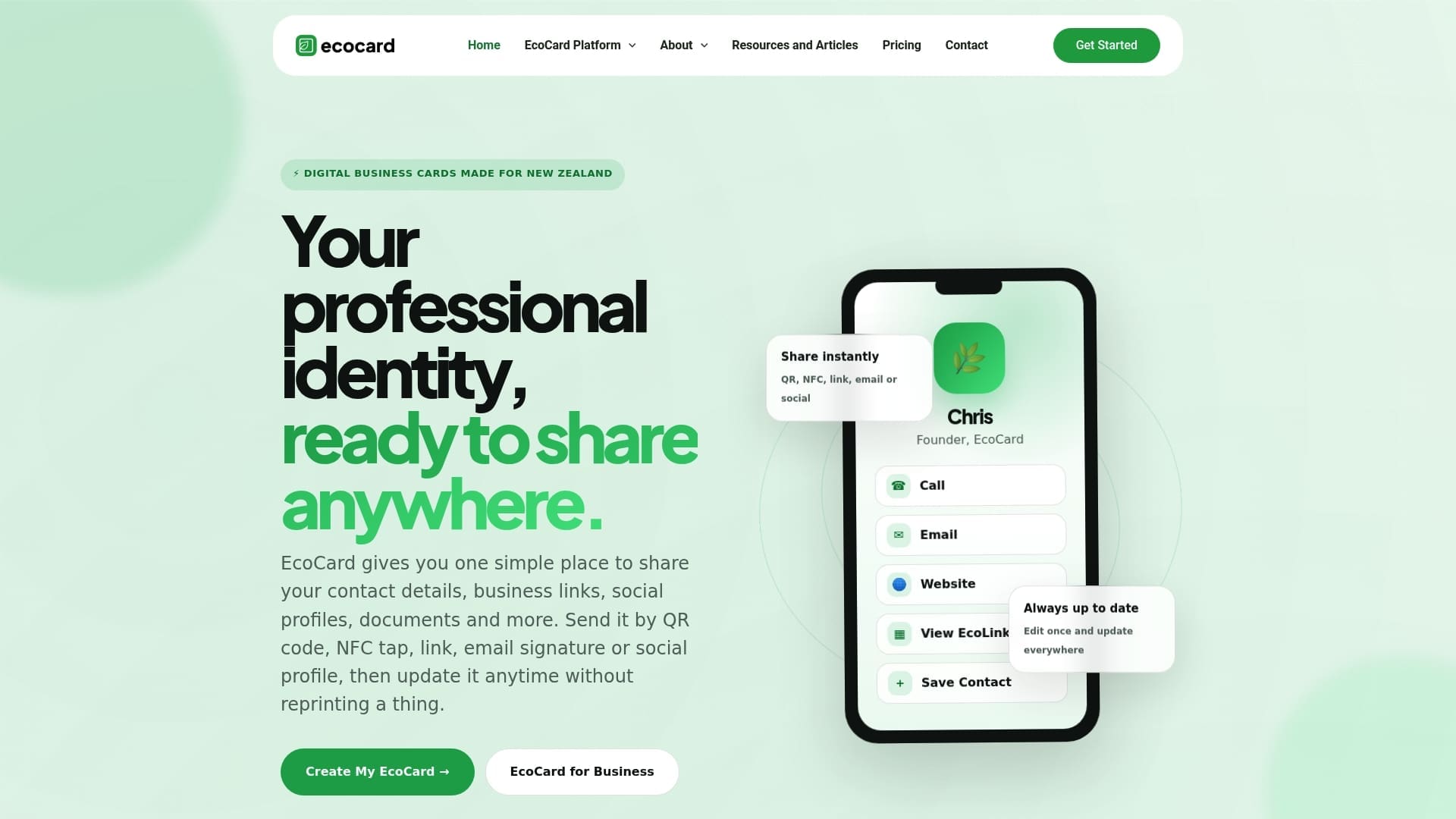
You can also browse real examples of EcoCards and the full feature list before you decide.
A simple switch-over plan
If you want to move without drama, this order works well for most people and small businesses:
- Week one: build your card, test the QR code and put it in your email signature.
- Week two: use it at every meeting and event. Keep any remaining paper stock as a backup.
- Week three: check what people ask for and add it, such as a booking link or a price guide.
- Week four: stop reordering. Put the QR code on badges, vehicles, invoices and proposals.
For a business, add an extra step at the start: decide who owns the template, so the admin sets the brand once before everyone fills in their own details.
FAQ
Can I still use paper cards alongside a digital one?
Yes. Many people keep a small supply of cards with a QR code that opens their digital card. That way the physical moment still works and the details stay current. Use up the old stock gradually rather than throwing it away.
Do people need to download an app to receive my card?
No. The card opens in the phone’s browser after a scan, tap or link click, and the person can save your details from there. That keeps the exchange quick, even with people who have never used a digital card.
What if the person has no signal when I share my card?
A QR scan reads the link even when the page will not load, so they can open it once they have a connection. Give them a second route too, such as a printed QR on your badge or your link said aloud, and send a follow-up message when you are back online.
Can a business control what its employees show on their cards?
Yes. With central management, an admin sets the branding and standard details, then updates every card at once when something changes. When a person leaves, the admin can deal with their card so it no longer represents the business.
Do I need consent to follow up with someone I met?
The Privacy Act expects you to collect only what you need for a clear purpose and to be open about how you will use it. A personal follow-up to a conversation is a natural use. Before you add someone to a mailing list, ask them first.
Sources
- Office of the Privacy Commissioner: Privacy principles
- A Marketers guide to the New Zealand Privacy Act
Recommended
- 10 Mobile First Digital Business Card Examples for Professionals
- One Tap, Live Updates: Digital Business Cards for NZ Teams
- Digital Business Card URL: How to Name, Share and Keep It
- Secure, live digital business card: QR, link & vCard for professionals
This article was produced with AI assistance and reviewed for accuracy. It is provided for general information only and is not professional advice.

