


A digital business card is the faster, cheaper way to hand someone your details the moment you meet. A personal website is the better home for your portfolio, your story and your search presence. Most New Zealand professionals get the best result from a card that points to a website, not from choosing one over the other.
This guide explains what each one does, what each costs in NZ dollars, how a contact page fits in, and how to decide in about five minutes.
TL;DR
- A digital card is built for the moment of meeting: scan or tap, save the contact, follow up. A website is built for being found and for depth.
- A contact page is one page inside a website. A digital card is a portable contact page you carry and share on the spot.
- Setting up a website in NZ commonly runs from a few hundred dollars to several thousand. EcoCard’s Individual plan is NZ$9.99 per month.
- If you only pick one to start, pick the card. If you already have a website, link it from the card.
- Keep both current from one place, so your role, phone number and branding never disagree.
Table of Contents
- The short answer: different jobs, not rival products
- Personal website vs digital card at a glance
- Where a contact page fits
- When a personal website is the right tool
- When a digital business card is the right tool
- What each costs in New Zealand
- How to decide in five minutes
- Keeping your details and branding consistent
- Networking and follow-up: where the card pulls ahead
- Our perspective
- Make your card the front door
- FAQ
- Sources
The short answer: different jobs, not rival products
People search for “personal website vs digital card” because both seem to answer the question “how do people find and contact me?” They do, but at different moments.
A digital business card is a small, mobile-first profile with your name, role, contact details, social links and a few business links. You share it by QR code, a direct link or an NFC tap, and the other person saves your details to their phone. It is made for the handshake, the networking event, the client meeting and the quick follow-up.
A personal website is a set of pages. Shopify’s New Zealand guide describes it as a place to express your professional identity through skills, experience, interests and personality, and says it can carry a portfolio, résumé, personal branding and contact channels. It is made for people who go looking for you, including through search engines.

The same guide suggests linking a personal website from a paper business card or QR code. That is the pattern to copy: the card is the doorway and the website is the room behind it.
Personal website vs digital card at a glance
| Question | Personal website | Digital business card |
|---|---|---|
| Main purpose | Be found, show depth, build a personal brand | Share your details instantly and get saved |
| Typical moment of use | Someone searches your name or service | You meet someone, in person or online |
| Content | Multiple pages: about, work, blog, contact | One focused profile: contact, links, portfolio and documents |
| How people reach it | Search, links, a typed address | QR code, direct link, NFC tap |
| Setup effort | Planning, writing, design, hosting, domain | Fill in a profile, choose branding, share |
| Ongoing upkeep | Content, hosting, domain renewal, updates | Edit once, details update live |
| Best at | Portfolios, credibility, search visibility | Networking, follow-ups, consistent team details |
Neither column wins every row. That is the point.
Where a contact page fits
The second question readers ask is how a contact page differs from a digital card. A contact page lives inside your website. Brizy’s guide to website pages says its primary objective is to give visitors ways to get in touch, and likens it to a brief digital business card.
That comparison is useful, but there is one big difference: a visitor has to arrive at your website first. A digital card travels with you. Nobody types a web address at a networking function, but they will scan a QR code or accept a tap.
A good contact page, according to a New Zealand digital agency’s guide, holds your contact details, a final call to action and key testimonials, and offers more than one way to reach you, such as a form, email, address and phone number. Brizy adds a map where useful and links to help or FAQ pages.
Think of it this way:
- Contact page: for people who are already on your site and want to reach you. It can be long, detailed and built to build trust.
- Digital card: for people who have just met you and want to keep you. It should be quick to scan and quick to save.
If you only have a contact page, you are relying on people to remember your address. If you only have a card, you lose the visitors who found you by searching. Together they cover both routes.
When a personal website is the right tool
A website earns its place when depth and discoverability matter more than speed.
You have a portfolio that needs room. Designers, architects, writers, photographers and developers often need to show projects with images, context and results. A multi-page site suits that. EcoCard also supports portfolio and document sharing from a card, which is handy for a short, curated selection, but a full body of work usually belongs on a site.
You want to be found by strangers. Shopify’s New Zealand guide notes that a personal website helps potential clients, employers and collaborators find you through search engines. A card is shared by you; a website can be discovered without you.
You publish regularly. If you write articles, run a blog or share case studies, you need pages to put them on.
You need a credibility anchor. A tidy site with an about page, a professional biography and clear calls to action is what the Shopify guide lists among core personal-website elements, and it gives people something to check after they meet you.
When a digital business card is the right tool
A card earns its place when you meet people and want the next step to be effortless.
You network in person. Events, trade shows, site visits and coffee meetings all end with the same awkward moment: swapping details. A QR code or NFC tap makes it a few seconds. Our guide to designing a digital card that scans in seconds covers the layout.
Your details change. Move roles, change numbers or rebrand, and a printed card is wrong overnight. With EcoCard, changes to roles, details and branding update live, so people who open your card see the current version.
You need something fast and light. You do not need to plan page structure, write copy for five pages or manage hosting. You fill in a profile and share it. Recipients do not need to install an app, which we explain in how a digital business card works with no app in NZ.
You lead a team. A business administrator can manage cards centrally, keep branding consistent and handle onboarding and offboarding without chasing people. See our guide to employee digital business cards for NZ teams.
You follow up for a living. Sales teams and consultants win or lose on speed. More on that below.

What each costs in New Zealand
Cost is where the two options differ most, so here are the real figures.
Personal website
Prices vary widely with who builds it and how big it is. Trades Online’s January 2026 New Zealand guide estimates:
| Route | Setup | Annual running costs |
|---|---|---|
| DIY | NZ$0 to NZ$500 | NZ$300 to NZ$600 |
| Freelancer | NZ$1,500 to NZ$4,000 | NZ$400 to NZ$1,200 |
| Agency | NZ$5,000 to NZ$10,000 or more | NZ$1,500 to NZ$5,000 or more |
The same guide puts a typical freelancer-built brochure site of five to ten pages at NZ$1,500 to NZ$4,000, with a first-year total of NZ$1,900 to NZ$5,200 once maintenance is included.
The running costs include hosting and a domain. As one example of the parts, a New Zealand hosting provider lists hosting from NZ$4.49 per month and a .co.nz domain at NZ$33 per year when bought with hosting. Those are published prices, so check the current figures before you budget.
Digital business card with EcoCard
Our plans are billed monthly, as published on our pricing page:
| Plan | Price |
|---|---|
| Individual | NZ$9.99 per month |
| Additional EcoCards | NZ$4.99 per month |
| Starter | NZ$19.99 per month |
| Business | NZ$49.99 per month |
| Teams | NZ$99.99 per month |
| Enterprise | No published price |
The two are not like for like. A card is a focused tool, and a website is a larger build. The useful comparison is this: you can have a professional, shareable, always-current presence for NZ$9.99 per month while you decide whether a full website is worth the larger outlay.
How to decide in five minutes
Answer these in order.
- Where do most of your introductions happen? In person or by message: start with a card. Through search or referrals who look you up: start with a website.
- Do you have work to show at length? If yes, plan a website. If a handful of links or documents will do, a card can carry them.
- How often do your details change? Often, or across a team: use a card you can edit live.
- What is your budget this month? If a multi-thousand-dollar site is not realistic yet, a card gives you a credible presence now and a website can follow.
- Do you already have a website? Then add a card that links to it, and put the card’s link or QR code where people meet you.
Here are three common situations.
A solo consultant who gets work by referral. People hear a name, then want to check it. A card handles the meeting, and a simple website with a biography and a contact page handles the checking.
A small business owner with two staff and a van. A card for each person with shared branding, and a website with the services and a contact form. Central management keeps the cards in step as the team changes.
A freelancer starting out. A card first, because it is quick and costs little. A website once there is enough work to show and a reason for strangers to search.
Keeping your details and branding consistent
The danger of running both is drift: a new phone number on the card, an old one on the website, and a third on an email signature.
Hnry’s New Zealand freelancer branding guide says messaging and visual identity should be applied consistently across websites, social profiles, email signatures, business cards, documents, proposals and contracts, and that this applies every time you update your website or communicate with a potential client.
For a business, a New Zealand rebranding checklist suggests building a register of every touchpoint, from the website and Google Business Profile to email signatures, quotes and invoices, with a field for who is responsible and what evidence shows it was done. Add your digital cards to that register.
A practical routine:
- Keep one master list of your name, role, phone, email, address and links.
- Update the card first, since it updates live, then the website and signature.
- For teams, let an administrator own the cards so a role change or departure is handled in one place. Our offboarding checklist for NZ teams shows where cards fit.
- Use a short, tidy address for your card. We cover naming in our guide to digital business card URLs.
What you share also deserves care. Our privacy guide for NZ professionals lists what to check before putting personal details online.
Networking and follow-up: where the card pulls ahead
The card’s strongest advantage shows after the conversation ends. BNI New Zealand’s follow-up guidance recommends contacting a new relationship within 24 hours, connecting on social media within seven days, and arranging a face-to-face or Zoom conversation within 30 days.
A card makes the first step easy. The person has your details saved on their phone, with your current role and links, and you have a reason to message them the same day. EcoCard includes analytics on card usage and EcoWallet for saving contacts, which help you see what is being opened and keep contacts together.
A website supports the later steps: the person you met can look at your work before the 30-day catch-up. For templates and timing, see our networking follow-up guide, and for lead capture at stands and events, our piece on lead capture QR codes for teams.
Our perspective
Every week we see professionals treat this as a contest. It isn’t. A website is where you explain yourself in full. A card is how you make sure the person in front of you can reach you before they walk away.
We built EcoCard around the second job. Your details should be right every time someone opens them, whether you have changed roles, updated your branding or added a portfolio link. That is why changes update live, why one profile can carry several roles, and why recipients never need an app.
For businesses, we think the real value is control. When an administrator can manage every card centrally, branding stays consistent and onboarding and offboarding stop being a scramble. No website contact page does that for each person on your team.
If you have a website, link it from your card. If you do not have one yet, start with the card and let it carry you until you do.
Chris
Make your card the front door
If you want a polished, shareable presence this week, EcoCard’s Individual plan is NZ$9.99 per month. You can build a card with your contact details, social profiles and business links, then share it by QR code, direct link or NFC tap. Teams can compare the Starter, Business and Teams plans, and each plan’s details are on our pricing page.
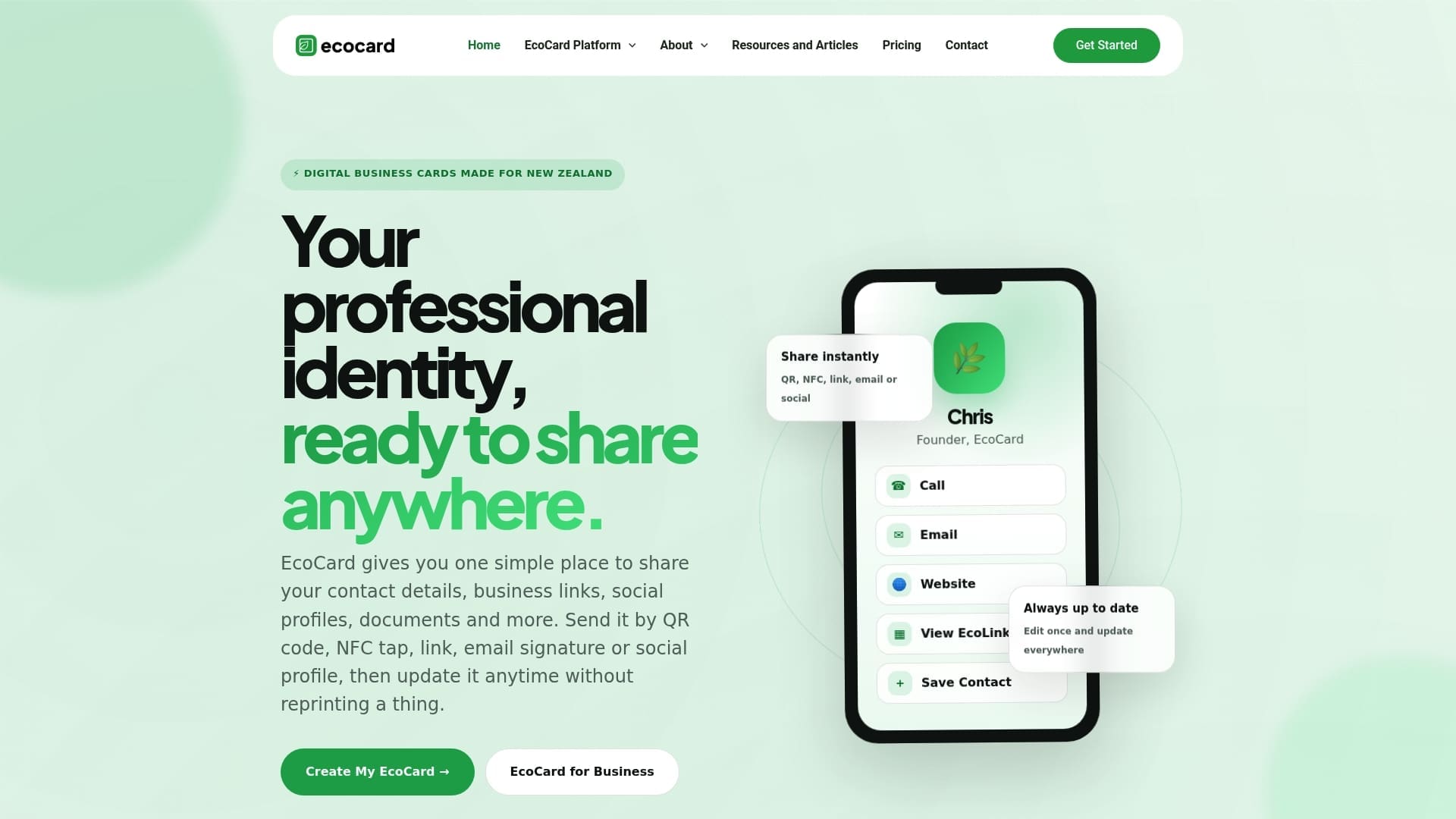
Already running a website? Add its address as a link on your card so the two work together. You can see what the platform includes on our features page, or start from the EcoCard home page.
FAQ
Can a digital business card replace a personal website?
For many people starting out, a card is enough to look professional and be easy to contact. It does not replace the depth, portfolio space and search visibility of a website. If you need strangers to find you through search, plan a website as well and link it from your card.
What is the difference between a contact page and a digital business card?
A contact page is one page on a website, so people must reach your site first. A digital card is a portable profile you share by QR code, link or tap at the moment you meet. Many professionals use both: the card for meetings and the contact page for site visitors.
How much does a digital business card cost compared with a website?
EcoCard’s Individual plan costs NZ$9.99 per month, and business plans run from NZ$19.99 to NZ$99.99 per month. Trades Online’s 2026 guide estimates NZ$300 to NZ$600 a year to run a DIY site and NZ$1,500 to NZ$4,000 to have a freelancer build one. The tools do different jobs, so many people start with the card.
What should I put on a digital business card?
Include your name, role, phone, email, social profiles and the business links people are most likely to need, such as your website or booking page. Add a short portfolio or document if it helps the next step. Our guide to creating a digital business card walks through the setup.
Do I need a website if I already have a digital card?
Not straight away. If most of your work comes from meetings and referrals, a card may carry you for some time. Add a website when you have more work to show or want to be found by people who have never met you.
Sources
- How To Create a Personal Website in 9 Steps, Shopify New Zealand
- Going Beyond the Homepage: Crafting Engaging About Us and Contact Pages, Brizy
- Create A Contact Page That Converts To Actual Contacts, Redhead Digital
- A Tradie’s Guide to Website Design Cost in NZ, Trades Online
- Cheapest Web Hosting In New Zealand, WebHosting.co.nz
- The freelancer’s guide to personal branding, Hnry
- Rebranding a NZ Business: Customer and Website Checklist, No Brainer
- Follow Up is Key to Building Relationships, BNI New Zealand
Recommended
- What to Put on a Digital Business Card: A Practical Checklist
- Secure, live digital business card: QR, link & vCard for professionals
- Digital Identity for Professionals: Build One That Works
- 10 Mobile First Digital Business Card Examples for Professionals
This article was produced with AI assistance and reviewed for accuracy. It is provided for general information only and is not professional advice.

