


The fastest way to convert event contacts into pipeline is a real-time workflow: scan, qualify on the spot, sync to CRM immediately, and follow up within hours, not days. A digital-first, centrally managed option like EcoCard supports this by keeping contact details current and reducing manual re-entry. The two levers that actually move conversion are the conversation context captured at the moment of contact and the speed of what happens next.
TL;DR:
- Pre-book meetings 8 to 12 weeks before the event and confirm them just before travel to improve overall ROI.
- Capture contact details with qualification tags and context notes during conversations to enable faster, more actionable follow-up.
- Sync leads to the CRM in real time, assign ownership immediately, and trigger follow-up within hours to maximize conversion chances.
- Use offline-capable capture tools and test workflows 48 hours before the event to prevent losing leads due to connectivity issues.
- Implement strict post-event follow-up and quality checks, including measuring same-day contact rates, to ensure leads remain engaged and valuable.
Table of Contents
- The 3-phase event lead workflow: pre-event, on-stand, post-event
- Practical capture methods and reliability requirements
- Capture-to-CRM: mapping, deduplication, and ownership so leads are actionable
- Privacy and consent essentials in New Zealand
- How to measure event lead capture success
- Why a centrally managed digital card matters for reliable capture
- A field marketer’s pre-show checklist and three lessons
- Getting your team set up with EcoCard for events
- Sources
- FAQ
The 3-phase event lead workflow: pre-event, on-stand, post-event
Most teams treat event lead capture as something that happens on the day. That’s the mistake. The work that determines whether a lead converts starts weeks before the doors open and doesn’t finish until a rep has followed up.
Phase one: pre-event. Build a target account list from your CRM and match it against the event’s attendee list if one is published. Coordinate SDR outreach to pre-book meetings, starting 8 to 12 weeks before the event where possible, since pre-booked meetings are consistently linked to stronger event ROI than relying on walk-up traffic alone. While outreach is running, configure your CRM: create the event as a campaign object, map custom fields for booth location and lead source, and write the follow-up email sequences before anyone leaves the office. Testing this now saves a scramble later.
Phase two: on-stand. Speed of capture matters, but so does what you capture. A badge scan or QR code gets you a name and email in two seconds. It tells you nothing about whether that person is worth calling. Every capture should carry a quick qualification tag covering fit (right company size or industry), pain (do they have the problem you solve), and timeframe (are they buying this quarter or just browsing). Add a 30 to 60 second voice note or typed comment while the conversation is still fresh. That detail is what separates a lead a rep can act on from a name on a spreadsheet.
Phase three: post-event. Set a follow-up service level agreement and hold your team to it. Aim for same-day contact, with the outer limit set as soon as reasonably practicable. Research on trade show behaviour backs this up hard: contacting leads within minutes or hours produces dramatically better conversion than waiting even a day or two, because interest decays fast once someone leaves your stand and walks past ten other vendors.
Here’s the sequence that keeps leads moving instead of stalling in a spreadsheet:
- Pre-book meetings 8 to 12 weeks out and confirm them the week before.
- Configure CRM fields, campaign IDs, and follow-up templates before travel.
- Capture contact details plus a qualification tag and context note at the point of conversation.
- Sync to CRM in real time, not at the end of the day.
- Assign ownership immediately and trigger the first follow-up within hours.
- Route warm leads to sales and cooler leads to a nurture sequence.
Skip any one of these steps and you get the classic post-event pattern: a pile of business cards, a CRM import three days late, and a sales team that has already forgotten which conversation was which.
Practical capture methods and reliability requirements
Every event capture method has a job it does well and a failure mode you need to plan around.
- Badge scans are fast and consistent when the event provider supplies clean attendee data, but they’re only as good as what the organiser collected at registration.
- QR codes work well for self-serve capture, letting an attendee scan your card or form themselves, though conversion drops if the code requires an app download.
- NFC taps are near-instant and feel premium at a booth, but they need a compatible device on both ends.
- Card OCR (photographing a physical business card and extracting the text) is useful as a fallback but is prone to misreads on stylised logos or unusual fonts.
- Manual entry should be the last resort, reserved for the rare contact who has none of the above.
When a scan comes back without an email or a phone number, don’t discard the lead. Flag it for manual enrichment after the event rather than letting it sit incomplete in the CRM.
Reliability is the part teams underestimate. Event WiFi is unreliable often enough that your capture tool needs to work offline. Testing the full capture workflow in airplane mode before the show, including whether queued records flush properly once connectivity returns, catches the failure mode that actually loses leads: a full day of scans that never sync because nobody checked the connection.

Run this check 48 hours out, not the morning of: confirm every staff device is logged in with the right permissions, capture one dummy lead per device end to end, and verify it appears in the CRM.
Pro Tip: Assign one person per shift as the “qualifier” whose only job is tagging fit, pain, and timeframe immediately after each conversation. Splitting scanning and qualifying across two people slows nothing down and dramatically improves the quality of what lands in the CRM.
Deduplication starts on the stand, not back at the office. Watch for the same person scanning twice (badge plus card exchange) or two staff capturing the same contact from different angles of a conversation.
Capture-to-CRM: mapping, deduplication, and ownership so leads are actionable
A lead that syncs to your CRM without the right fields populated is barely better than a business card in a drawer. It shows up, someone eventually notices it, and by then the moment has passed.
Pre-map every event field to your CRM before the show: campaign ID, booth location, qualification tags, lead source, and the rep who captured it. Then test that mapping with a handful of dummy leads run through the actual capture app, not a spreadsheet import. Teams that test integrations before travelling avoid the sync-time failures that otherwise show up only when 400 real leads hit the CRM at once.
Deduplication needs to run at the moment of sync, not in an overnight batch job. A nightly dedupe means a rep might call the same prospect twice in one afternoon, which looks sloppy and damages the relationship you just built. Set your matching hierarchy in this order:
- Exact email match first, since it’s the most reliable unique identifier.
- Phone number second, for leads captured without an email.
- Company name plus contact name as the final fallback for incomplete records.
Assign ownership the moment a lead lands, either round-robin across available reps or to whoever owns that account already. Building this rule into the capture tool itself, rather than relying on someone to sort it manually later, is what actually enforces your follow-up SLA. A lead with no owner sits in limbo while everyone assumes someone else is handling it. Tag urgency at capture too (hot, warm, cold) so your CRM’s automation can trigger the right sequence without a human deciding case by case. Platforms like SmartFlowCRM’s lead management tools illustrate how field mapping and automatic ownership assignment work together in practice.
Privacy and consent essentials in New Zealand
Event lead capture in New Zealand runs into privacy obligations the moment you collect someone’s details from a badge scan, a card, or a partner referral rather than directly from a signed-up form.
Under Information Privacy Principle 3A, when you collect personal information indirectly, meaning the person didn’t hand it to you themselves, you’re required to take reasonable steps to notify them what you’re collecting and why. The Privacy Commissioner’s guidance on IPP 3A recommends keeping records that demonstrate those steps were actually taken, not just that a policy exists somewhere. Timestamped notification logs and stored consent records are the easiest way to prove compliance if it’s ever questioned.
This matters more than teams assume: one industry estimate puts the cost of a single non-compliant marketing message at real reputational and legal risk for New Zealand businesses, which is reason enough to build compliance into the workflow rather than bolt it on after a complaint.
Buying or using a harvested attendee list is a bad idea for the same reason. New Zealand guidance warns explicitly against address-harvesting practices, and a purchased list gives you no defensible record of consent if someone complains. Build your own list at the point of contact instead, or work through formal partner referral agreements.
A practical checklist worth building into your pre-event brief:
- Draft a short notification template staff can reference verbally at the stand.
- Record consent at the point of capture, not as an afterthought back at the office.
- Update partner referral agreements to state clearly who is responsible for notifying the person.
- Send any required notification as soon as reasonably practicable, ideally the same day.
Handled well, this notification moment doubles as a brand touchpoint. Telling someone plainly what you’re collecting and why tends to land better than silence ever does.
How to measure event lead capture success
Most teams can tell you how many leads they scanned. Fewer can tell you how many turned into pipeline, and that gap is where event budgets get questioned.
Track these KPIs from every event:
- Same-day follow-up rate: the percentage of leads contacted within 24 hours of capture.
- CRM coverage with context: what share of leads arrived with a qualification tag and a note, not just a name and email.
- Lead-to-SQL conversion rate: how many captured leads become sales-qualified within a set window, typically 30 to 60 days.
- Cost per booked meeting: total event spend divided by meetings actually booked from it.
Create a campaign object in your CRM for each event so every lead, meeting, and deal traces back to that specific show. Tag leads as event-sourced (captured at the event) versus event-influenced (already in your pipeline but the event moved the conversation forward), since lumping the two together inflates or understates what the event actually achieved.
A simple dashboard tracking these four numbers, refreshed the week after each show, tells you more about whether an event was worth the spend than attendee headcount ever will. Aim for a high same-day follow-up rate, and treat notably low rates as a process failure worth fixing before the next event.
Why a centrally managed digital card matters for reliable capture
Manual re-entry is where good leads die quietly. Someone photographs a card, means to type it up that evening, and three days later it’s still sitting in their camera roll. A digital business card removes that step because the contact details, role, and links are already structured data the moment they’re shared, whether by NFC tap, QR code, or direct link.
For businesses running larger booths, EcoCard’s central admin lets a manager update branding or contact details across an entire team’s cards at once, so nobody is handing out a card with an old title or a dead phone number. Staff can switch between multiple cards for different roles or events without carrying stacks of print. Analytics on card usage show which reps generated the most engagement on the day, adding another signal to your post-event review alongside CRM data.
A field marketer’s pre-show checklist and three lessons
Run through this 48 to 72 hours out: charge and test every device, confirm app logins and permissions, run a dummy lead through the full capture-to-CRM path, load your qualification tags, brief the team on who scans and who qualifies, confirm your follow-up templates are loaded, check offline mode works, verify campaign fields are mapped, print physical backups just in case, and confirm ownership assignment rules are active.
Three lessons show up at almost every event. First, test offline capture properly. Venue WiFi fails more often than organisers admit. Second, enforce qualification at the point of capture, not after. A lead without context is a name you’ll have to re-research later. Third, measure your same-day follow-up rate honestly. It’s the single number that predicts whether the event paid for itself.
Run a small retro after each show and change one thing before the next. Small, testable adjustments beat rebuilding your entire process twice a year.
— Chris
Getting your team set up with EcoCard for events
EcoCard is a practical fit for the exact workflow this article describes, because it removes the manual re-entry step that slows down qualification and sync. Sharing details by NFC tap or QR code means a prospect’s information arrives as structured data instead of a photographed business card someone has to type up later.
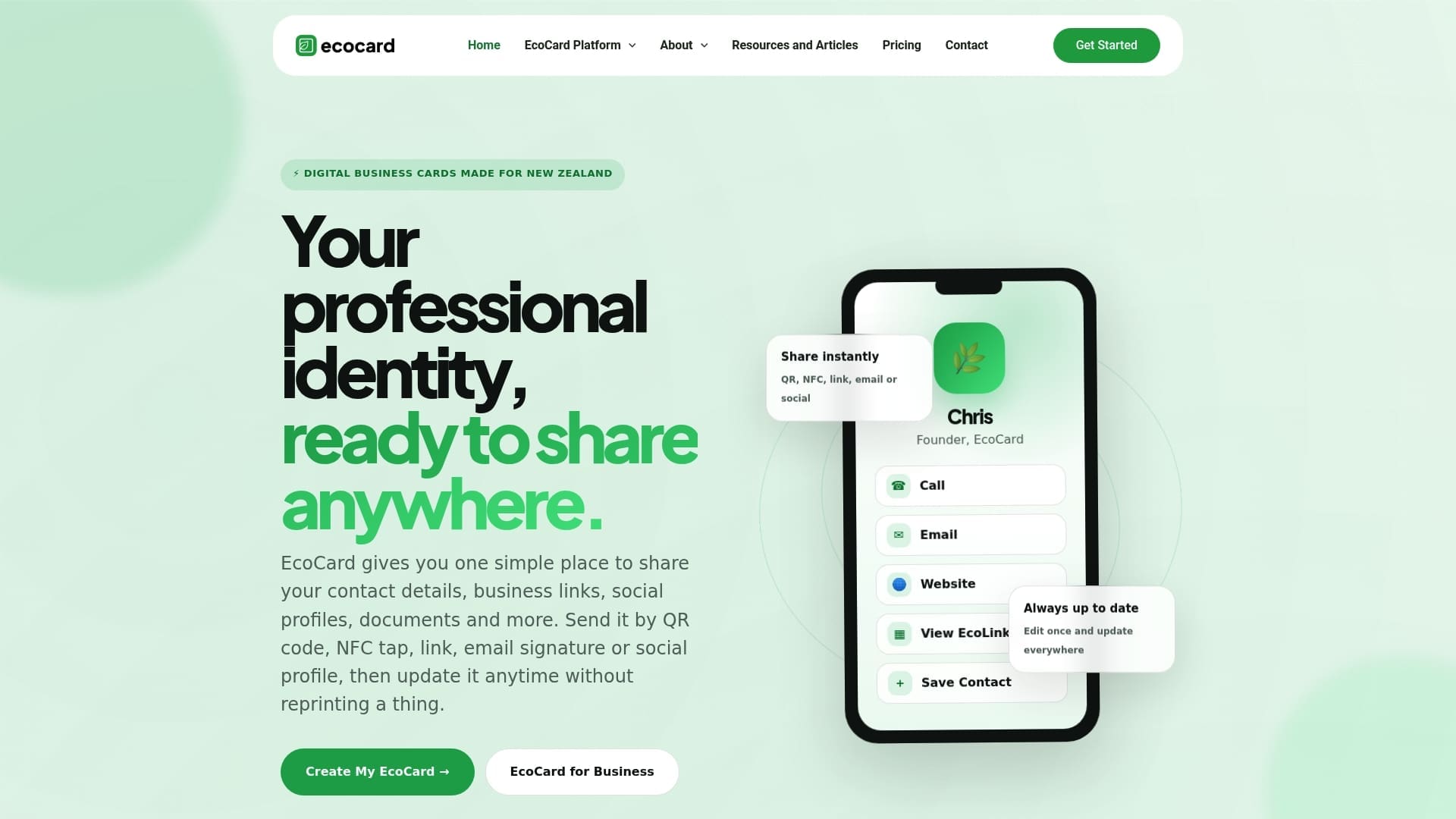
For teams running a stand with multiple staff, EcoCard’s central admin tools keep branding and contact details consistent across everyone’s card, and let you switch someone onto a fresh card the moment their role changes, without reprinting anything. The Individual plan starts at a low monthly price for solo professionals working the floor, while the Teams plan offers centralised control suitable for a full event crew with onboarding built in. Check the features page for the full rundown of NFC, QR, and analytics tools, then pick a plan that matches your next show’s headcount.
Sources
For the compliance side, the Privacy Commissioner’s IPP 3A guidance and the Department of Internal Affairs’ marketing guidance are the two documents worth bookmarking. For operational workflow, the event lead capture guide and offline-first capture practices cover the technical detail this article summarised.
- Compliant electronic marketing guidance for New Zealand businesses (Department of Internal Affairs)
- Trade show follow-up: why 85% of your leads go cold (and how to fix it)
FAQ
What is the best software for capturing leads at events?
There’s no single best tool for every event, but the strongest options combine fast capture (badge, QR, or NFC) with immediate CRM sync and space for conversation notes. A digital business card platform like EcoCard fits into this stack well because it removes manual re-entry and keeps contact details current across a whole team.
What does “capture leads” mean at an event?
Capturing a lead means recording a prospect’s contact details and enough context about the conversation, such as their interest level and timeframe, to act on it afterwards. Done well, it’s more than collecting an email address. It includes qualification and notes taken at the moment of contact.
How do I get more leads for event management?
Start with pre-event outreach to book meetings before the show opens, since pre-booked meetings correlate with stronger event ROI than relying on walk-up traffic. On the day, make capture fast and low-friction for attendees, and follow up within hours rather than days to keep interest from fading.
What is the best app for capturing leads?
The best app for your team depends on your booth size and CRM setup, but look for offline capability, real-time sync, and a way to tag qualification details at the point of capture. For managing the digital identity side, an EcoCard profile lets attendees save your details with a tap or scan, feeding cleaner data into whichever capture app your team uses.
Recommended
This article was produced with AI assistance and reviewed for accuracy. It is provided for general information only and is not professional advice.

