


Adding pronouns to a business card is acceptable and increasingly common, particularly in workplaces that deal with the public or operate across diverse teams. Do it if it feels right for your role and audience, but keep it optional rather than something you push on colleagues. The main caveat: think about safety and context first, then follow a few clean formatting rules so the card still looks professional.
TL;DR:
- Including pronouns on business cards can reduce misgendering, especially in client-facing roles or diverse workplaces, but should be optional based on safety and context.
- Proper formatting typically places pronouns under the name in small, muted type or beside it in parentheses, avoiding all caps and ambiguous abbreviations.
- Digital profiles linked via QR codes offer flexible, up-to-date pronoun sharing without cluttering physical cards, and allow easy edits over time.
- Mistakes in pronoun use should be corrected calmly and promptly, with formal escalation if repeated or intentional, to prevent workplace discrimination.
- Presenting pronouns as optional and making disclosure respectful, consent-based, and tailored to individual circumstances aligns with legal guidance and inclusivity standards.
Table of Contents
- Pronouns on business cards: how to format them properly
- When pronoun disclosure should be personal choice versus policy
- Ready-to-use wording templates for cards and digital profiles
- What to do when someone gets your pronouns wrong
- The evidence behind visible pronouns at work
- Managing pronouns on a digital business card
- An editorial perspective on pronoun etiquette
- EcoCard: flexible digital cards to manage pronouns and team branding
- Sources
- FAQ
Pronouns on business cards: how to format them properly
The cleanest approach places pronouns directly under your name, in a smaller font than your job title. That single line, in a muted grey or your secondary brand colour, reads as intentional rather than decorative. A second common option sits pronouns beside the name in parentheses, which institutional design guidance from NIU’s business card templates recommends using a space-slash-space format like “He / Him / His” rather than cramming letters together as “he/him” in tiny type.
Avoid all capitals. “HE/HIM” reads like a shout on a card that’s meant to feel welcoming, and it clashes with mixed-case names and titles nearby. Skip ambiguous abbreviations too. “Th” or “Ze” without context confuses more people than it informs, especially at a first meeting.
Where card real estate is tight, printed pronouns aren’t your only option:
- Print pronouns under the name in an 8 to 9 point sans serif font.
- Use the back of the card for a fuller line if the front is crowded.
- Link to a digital profile with a QR code when you want space for pronouns, a bio, and social links without cluttering the print layout.
- Keep contrast reasonable. Light grey text on white paper can vanish under office lighting.
Pro Tip: If your printed card already feels busy with a logo, tagline and multiple contact methods, don’t force pronouns onto it. Put them on your digital profile instead and let the QR code do the heavy lifting.
When pronoun disclosure should be personal choice versus policy
Whether to add pronouns is rarely a simple yes or no. It depends on your role, your audience, and sometimes your personal safety.
Client-facing roles in retail, healthcare or hospitality might benefit from pronouns that reduce awkward misgendering during fast interactions. Someone travelling regularly to regions with less social acceptance of gender diversity may reasonably choose to leave pronouns off their printed card and control disclosure more selectively through a digital profile.
Organisations face a similar decision, and each approach carries trade offs:
- Optional inclusion respects individual choice and avoids putting pressure on employees who aren’t ready to disclose.
- Encouraged inclusion (through onboarding prompts or manager modelling) increases visibility without mandating it.
- Mandated inclusion on all staff cards can back employees into disclosing something private just to comply with a template.
New Zealand employment guidance is unambiguous on the legal backdrop here. Employment New Zealand confirms that discrimination on the grounds of gender identity is unlawful, and employers should respectfully use an employee’s chosen name and pronouns and update workplace records when asked. The practical rule that follows: default to optional, consent-based visibility, and have managers communicate that choice clearly rather than assuming everyone wants the same thing.
Ready-to-use wording templates for cards and digital profiles
Copy-and-adapt is faster than starting from scratch. Here are formats that work across print and digital:
- Beneath the name: “Sam Ngata / She / Her / Hers” on its own line, smaller type than the job title.
- Beside the name: “Sam Ngata (She/Her)” in parentheses immediately after the name.
- Back-of-card line: useful when the front is already full, paired with a QR code linking to a longer digital profile.
- Micro-card variant: for very small formats, a simple “She/Her” under the name with no extra punctuation.
- Digital profile copy: “Pronouns: She/Her” as a standalone field on a QR landing page, which allows longer or write-in pronouns that wouldn’t fit on paper.
- Email signature pairing: matching the card’s format keeps things consistent across every touchpoint someone sees.
For less common or write-in pronouns, a digital profile is genuinely more forgiving than print. Microsoft 365 profile cards, for instance, support pronoun fields with a defined character limit, which is a useful reminder that even digital tools have space constraints.
Pro Tip: If your name already runs long, test the card layout at actual size before ordering a print run. Pronouns squeezed under a long name in 6 point type help nobody.
What to do when someone gets your pronouns wrong
Mistakes happen even with a pronoun clearly printed on the card in front of someone. The fix is almost always brief: correct it in the moment, then move straight on to the next reference using the right pronoun. Dwelling on the error or demanding an apology usually makes the interaction more awkward for both people.
- Correct once, calmly, then continue the conversation without lingering on it.
- If misuse repeats or seems deliberate, raise it through HR or a documented workplace policy rather than handling it alone every time.
- Ask colleagues directly how they’d like to be addressed, and update shared systems like email and directory listings once you know.
- Managers should model optional sharing themselves rather than asking staff to disclose pronouns on demand.
Public Service Commission guidance notes that persistent, intentional refusal to use someone’s correct pronouns can amount to discrimination or harassment, which is a useful line to know if a workplace issue needs escalating beyond a quiet correction.
The evidence behind visible pronouns at work
Pronoun visibility on cards, signatures and name tags reduces the guesswork that leads to misgendering in the first place. Employment New Zealand and the Public Service Commission both frame this as respectful workplace practice rather than a symbolic gesture, and both guidance documents specifically recommend the term “pronouns” over “preferred pronouns,” since the latter implies gender identity is a matter of taste.
Research on workplace pronoun-sharing policies found that optional disclosure paired with simple list-style prompts increases how many people share their pronouns, while also reducing the sense of pressure that comes with open-text or mandatory fields.
That finding matters for how you design any pronoun field, whether on a printed card template or a digital onboarding form: make it easy to select, never compulsory to fill in.
Managing pronouns on a digital business card

A printed card locks your pronouns in ink the moment it comes off the press. A digital profile doesn’t have that problem. Update the field once and everyone who scans your code or taps your card sees the current version immediately, no reprinting, no box of outdated cards sitting in a drawer.
For teams, this matters beyond convenience:
- Central administration keeps logos, colours and job titles consistent across every staff card, while still letting each person control their own pronoun field.
- QR landing pages give room for a fuller profile (pronouns, bio, links) when a printed card physically can’t fit it all.
- Individual privacy controls mean staff can opt out of displaying pronouns at all, without affecting anyone else’s card.
Pronoun sharing isn’t static either. People sometimes use different pronouns in different settings, or their pronouns change over time, so any system built around them needs to make edits genuinely easy rather than treating the initial entry as permanent.
An editorial perspective on pronoun etiquette
My own card carries pronouns because most of my work involves first meetings where a small, upfront signal saves everyone an awkward guess. A colleague in a more conservative export market chose to leave them off print and put them only on her digital profile, shared selectively. Both were the right call for the context. Choose what fits yours, not what fits a template.
— Chris
EcoCard: flexible digital cards to manage pronouns and team branding
EcoCard removes the reprinting problem entirely. Update your pronouns, title or contact details once, and every version of your card, physical tap, QR scan or shared link, reflects the change instantly. For businesses, central administration keeps branding consistent across every staff card while still giving individuals control over their own pronoun field and privacy settings.
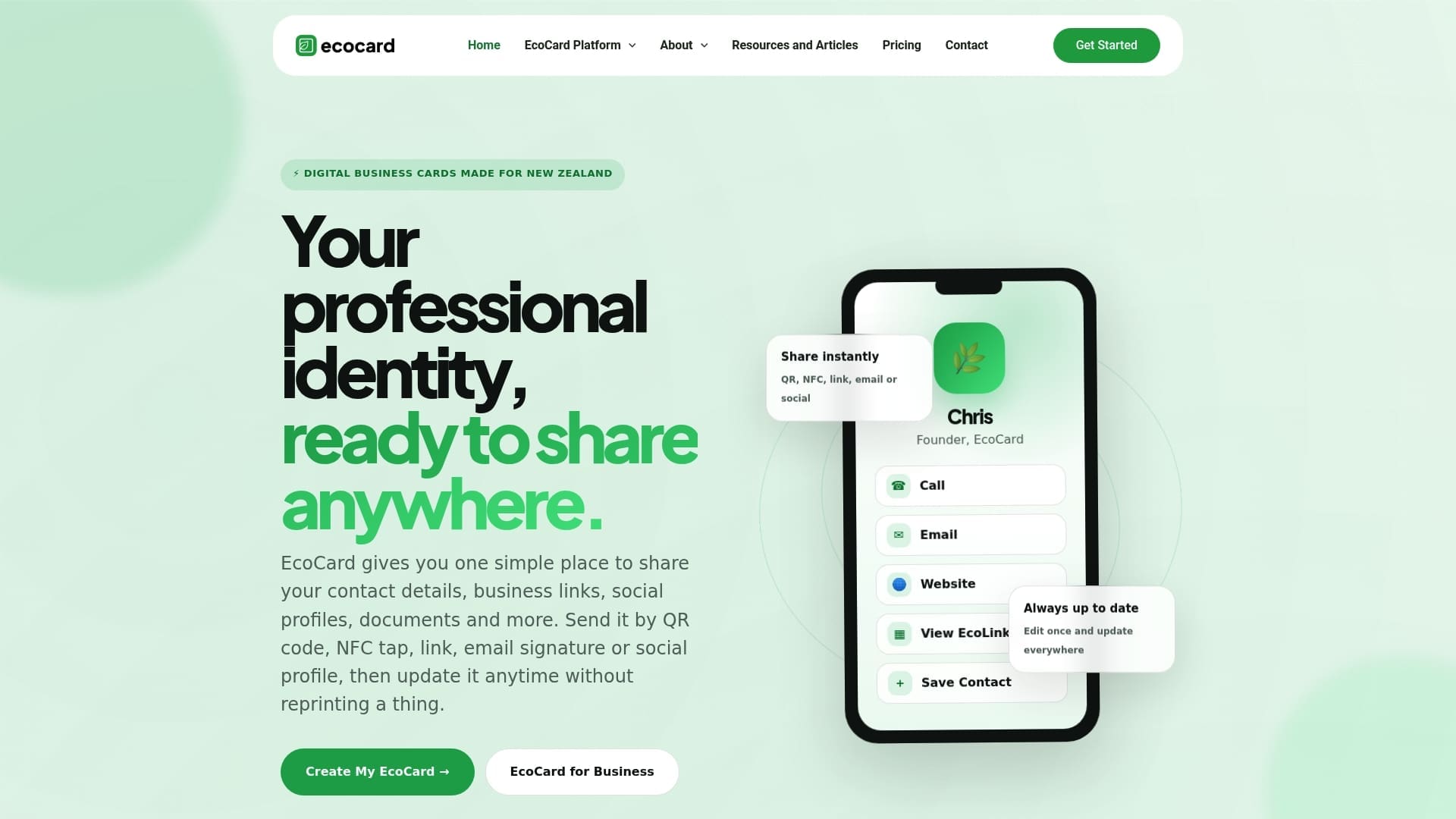
If your team’s printed cards are already out of date the day the box arrives, that’s the real cost of paper: you’re locked into whatever was true when you hit print. A digital profile with a QR landing page gives you room for pronouns and a fuller bio without crowding a physical card that has limited space to begin with. Browse pricing plans at competitive monthly rates for individuals and teams, or check team features if you’re rolling this out across a whole organisation.
Sources
- Discrimination against transgender people | Employment New Zealand
- Rainbow inclusive language guide | Public Service Commission
- Business Cards – NIU – Communication Standards
- Research on pronoun-sharing policies and nudges (preprint)
FAQ
What is a common mistake people make on business cards?
The most frequent error is cramming too much onto one card, tiny pronoun text, cluttered contact details and low contrast that becomes unreadable in dim lighting. A cleaner fix is keeping the front minimal and moving extra detail to the back or a linked digital profile.
Why are people adding pronouns to their signatures and cards?
Pronouns reduce the chance of misgendering someone in a first interaction, which Employment New Zealand frames as part of respectful workplace practice rather than a trend. Email signatures were an easy first step for many workplaces, and cards followed as a natural extension.
How do I indicate my pronouns on a card?
Place them under your name in a smaller font, using a space-slash-space format like “She / Her / Hers,” or beside your name in parentheses. A digital profile linked by QR code gives more room if you use a longer or write-in pronoun set.
What are some good titles to put on business cards alongside pronouns?
Keep the job title specific and current, “Senior Project Manager” rather than a vague label, and let pronouns sit in a distinct, smaller line so the two don’t compete for attention. If your title or pronouns change often, a digital card such as EcoCard lets you update both without reprinting.
Recommended
Created with BabyLoveGrowth to get found on Google
This article was produced with AI assistance and reviewed for accuracy. It is provided for general information only and is not professional advice.

