


Most New Zealand businesses that hand out or collect business cards are governed by the Privacy Act 2020, not the GDPR. The GDPR can still reach you if you have an office in the EU, offer goods or services to people there, or monitor their behaviour. This guide explains where that line sits, what a card actually contains in legal terms, and how to run printed and digital cards so that your contact handling holds up under either regime.
TL;DR
- The GDPR is European law. The Office of the Privacy Commissioner says it cannot advise on or enforce it, and that a business operating only in New Zealand with the odd European sale is unlikely to be covered.
- A name and contact details are personal information under New Zealand law, so a card is personal data, printed or digital.
- Collect only what you need, say why you are collecting it, store it securely and review who can see it.
- For digital cards, keep the card to business details, control who can edit it, and remove people’s access when they leave.
- If you do sell into the EU, treat the GDPR as a separate check, with a legal basis for every contact you hold.
Table of Contents
- Does the GDPR apply to a New Zealand business?
- Is a business card personal information?
- Your own card: what to put on it
- Collecting other people’s cards
- Printed cards versus digital cards
- Running digital business cards responsibly
- A short checklist for NZ teams
- Our perspective
- Put it into practice with EcoCard
- FAQ
- Sources
Does the GDPR apply to a New Zealand business?
Usually not, but sometimes yes. The Office of the Privacy Commissioner says the GDPR will almost certainly apply to a New Zealand business with EU offices, and may apply if you offer goods or services to people in the EU or monitor their behaviour. The same page says a business that operates only in New Zealand and occasionally sells to European clients is unlikely to be covered.
A practical way to sort yourself:
| Your situation | GDPR likely to apply? |
|---|---|
| Trade only in New Zealand, a rare European customer | Unlikely |
| Office, branch or staff in an EU country | Almost certainly |
| Actively market to people in the EU (EU pricing, local language, EU-targeted ads) | Possibly, get advice |
| Track the behaviour of people in the EU online | Possibly, get advice |
| Attend an overseas conference and swap cards | Usually no, but see the section on collecting cards below |
There is also a reassurance for the other direction. On 15 January 2024 the European Commission decided that New Zealand continues to ensure an adequate level of protection for personal data transferred from the EU. That is why personal data can generally flow from Europe to New Zealand organisations without extra transfer paperwork.
If you are a public sector agency that falls in scope, NZ Digital Government notes that agencies in scope are likely to comply with most GDPR obligations if they comply with the Privacy Act. The same logic is a sensible starting point for private businesses: get the Privacy Act right first, then look at the gaps.
If you are unsure whether you are in scope, speak to a New Zealand privacy lawyer. Scope depends on your actual EU activity, and no article can decide that for you.
Is a business card personal information?
Yes. Business.govt.nz confirms that personal information includes contact details, such as a person’s name. A card with a name, role, mobile number and work email is therefore personal information about that individual, even though it was designed to be shared.
Two things follow:
- It does not stop being personal information because it is “just business”. A work email that includes someone’s name identifies them.
- Context can add sensitivity. The Privacy Commissioner has found that disclosing even the name of a business in connection with a person can be a disclosure of personal information if it reveals details about their private affairs. Passing someone’s card to a third party along with a comment about why they contacted you is the sort of act that needs thought.
The GDPR uses the same underlying idea: any information relating to an identifiable person. So whichever law applies, you are handling personal data when you handle cards.
Your own card: what to put on it
The person whose details appear on the card is usually your employee, so the obligation sits with you as the employer. Government guidance says to include only information needed for business purposes, such as a name and contact details.
A sensible default set:
- Name and job title
- Business email and business phone number
- Company name, website and business address
- Professional profile link (for example your LinkedIn page)
Leave off home addresses, personal mobile numbers the person has not chosen to share, birth dates and anything unrelated to the role. Staff should be told what will appear on their card and why, and should have a say over optional items such as a direct mobile number or a photo. That is good practice under the Privacy Act and lines up with the consent-first approach European guidance expects.
A digital card makes this easier to manage, because you can set what appears once and change it centrally. If you want the detail of building one, our guide to creating a secure, live digital business card walks through the fields, QR code and vCard options.
Collecting other people’s cards
This is where most real-world risk sits. When someone hands you a card at a trade show, you are collecting personal information.
What the Privacy Act expects
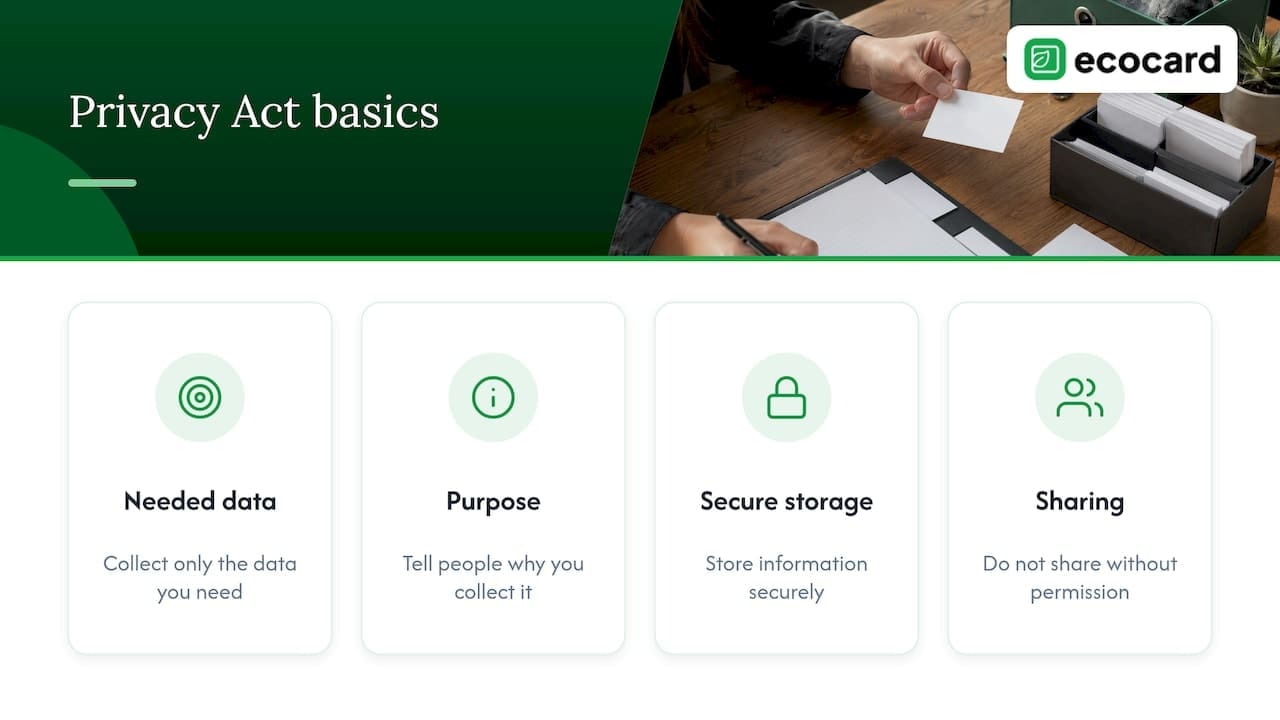
Business.govt.nz sets out the basics: collect only the data you need, tell people why you are collecting it, store it securely, and do not share it with third parties without permission. The Privacy Commissioner adds that a privacy statement is a good way to tell people what you are doing with their personal information and why.
The Privacy Act has also changed recently. The Privacy Commissioner reports that the Privacy Amendment Act 2025 brought information privacy principle 3A into force from 1 May 2026, a notification duty for personal information collected from someone other than the individual. If you build a prospect list from a colleague’s contacts, a purchased list or a card passed to you by a third party, read that principle before you start emailing.
What the GDPR adds, if it applies
The Dutch data protection authority gives a clear reading of cards under European rules. If you store business cards systematically, for example alphabetically in a database, you act as a data controller and need a legal basis such as consent. The same page says the obligations do not apply if you collect cards in a private capacity or do not keep them systematically.
In plain terms:
- A card you tuck into a drawer after a chat is a low-risk case.
- A card you type or scan into a CRM, then add to a mailing list, is a controlled, systematic record.
If you do fall under the GDPR, the expected approach is more documented and more prescriptive than ours. If you want the legal-basis side explained, see our piece on legitimate interest for B2B under the GDPR.
A simple routine that works under both
- Say why. When you take a card, say what you will do with it: “I’ll email you the information we discussed.”
- Record the source and date. A note such as “Met at the Auckland expo” explains why you hold the contact.
- Use it for that purpose. A follow-up email is expected. A cold marketing campaign is a different use.
- Offer an easy exit. Every email should say how to stop hearing from you.
- Delete what you no longer need. Businesses are responsible for safe and secure disposal of personal information once it is no longer needed or legally required.
If you want to tidy the contacts you already hold, our guide on how to organise business contacts covers structure and clean-up.
Printed cards versus digital cards
The legal duties are the same. The practical risks differ.
| Point | Printed card | Digital card |
|---|---|---|
| Accuracy | Fixed at print, goes out of date when someone changes role | Can be updated and the change appears for everyone with the link |
| Control after sharing | None, the paper circulates | You can edit or remove the card |
| Who sees what | Everything printed, to anyone | You choose which fields appear |
| Leaving staff | Old cards stay in circulation | The card can be removed or reassigned |
| Waste | Reprints each time details change | Reusable |
Out-of-date cards are also a privacy issue. Printed cards for a person who has left your company still carry their name and details out into the world, and nobody can recall them. A digital card can be closed off the day someone departs. For the team side of that, see our offboarding checklist for NZ teams.
Running digital business cards responsibly
A digital card platform handles personal information on your behalf, so apply the same standards you would to any system holding staff or customer details.
Keep the card lean
Store only the fields you need. Business.govt.nz says digital cards should store only necessary data and explain in a privacy statement how the information is used and shared. Link your privacy statement from the card or from your website footer so anyone who views it can find it.
Restrict and review access
The same guidance says to restrict access to personal information to those who need it and regularly review access permissions. For cards, that means:
- Only a small group of admins can change company-wide branding and fields.
- Staff can edit their own optional details, but not everyone’s.
- Access is reviewed when roles change and removed when someone leaves.
If you want a broader look at guardrails for work data, this piece on AI data security and access guardrails covers the thinking behind limiting who can reach stored information.
Plan for a breach
Under the Privacy Act 2020, if a privacy breach has caused or is likely to cause serious harm, you must notify the Privacy Commissioner and affected people as soon as practically able. Know in advance who in your business makes that call and how you would reach affected people.
Check the privacy basics of your platform
Before you roll out cards to staff, ask the questions in our guide on what NZ professionals should check about digital business card privacy: what is stored, who can see it, and how a card is removed.
A short checklist for NZ teams
- Work out whether you have EU offices, EU-targeted offers or EU behaviour tracking. If yes, get legal advice on the GDPR.
- Decide the standard fields for staff cards and tell staff what will appear.
- Publish a privacy statement and link it from your digital cards.
- Take cards from others for a stated purpose, and record where each contact came from.
- Limit admin access, review it on a schedule, and remove leavers immediately.
- Agree who decides on breach notification.
- Delete contacts you no longer need.
Our perspective
Business cards are one of the oldest ways of handing someone your personal information, and nobody ever thought of them as a privacy question. They are now. A name, a mobile number and an email address sit on a card, and once the card is printed you have no say over where it goes.
This is why we built EcoCard around live, central control. Our platform lets a business set the branding and fields once, update roles and details when they change, and keep each person’s card current, which means you are not sending out stale details about people who have moved on. Business admins can onboard and offboard staff cards in one place, so the card does not outlive the job.
We also like that recipients do not need an app. Someone scanning a QR code or tapping an NFC card just opens the card, and the person sharing decides what is on it.
Privacy law will not make you stop sharing your details. It asks you to be deliberate about which details you share, why, and for how long. A digital card makes that deliberate choice easier to act on.
Chris
Put it into practice with EcoCard
If you want cards for yourself or your staff that you can update and remove centrally, EcoCard has plans for each size. An individual card is NZ$9.99 a month, additional cards are NZ$4.99 a month each, and business plans run at NZ$19.99 (Starter), NZ$49.99 (Business) and NZ$99.99 (Teams) a month, with Enterprise available on request. You can compare them on the EcoCard pricing page, or see how EcoCard for Business handles central management and team onboarding.
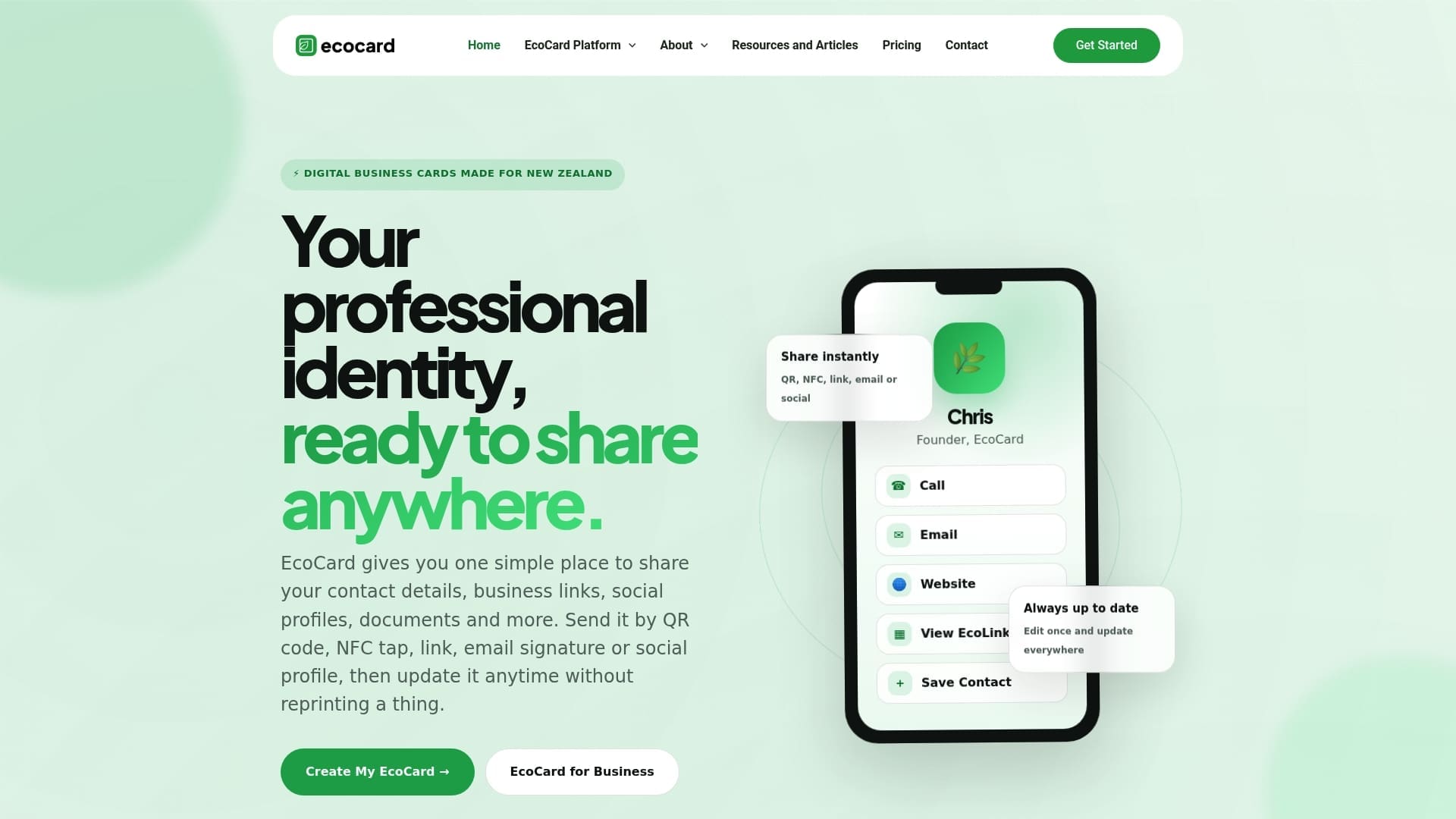
Each plan includes the sharing methods most teams use day to day, including QR code, direct link and NFC tap, and you can see the full list on the features page.
FAQ
Do I need to comply with the GDPR if I only run a New Zealand business?
Usually no. The Privacy Commissioner says a business operating only in New Zealand that sells occasionally to European clients is unlikely to be covered. It will almost certainly apply if you have EU offices, and may apply if you offer goods or services to people in the EU or monitor their behaviour. If that could be you, take legal advice.
Do I need consent before putting an employee’s details on a business card?
The Privacy Act expects you to collect only what you need and to tell people what you are doing with their information. Tell staff which details will appear on their card and why, and let them choose optional items such as a direct mobile number. If you are under the GDPR, you need a valid legal basis, and consent is one of them.
Can I add someone’s business card to my CRM or mailing list?
You can add a contact to follow up on the conversation you had, as long as you tell them what you will do with their details and keep them secure. Using the same card to start a separate marketing campaign is a different purpose. Under the GDPR, storing cards systematically makes you a data controller who needs a legal basis.
Are digital business cards less private than printed ones?
Not by nature. The same personal information is involved either way. A digital card gives you more control, because you can edit it, limit the fields, and remove it when someone leaves, which a printed card does not allow once it is handed over.
Sources
- Do I need to comply with the GDPR? (Office of the Privacy Commissioner)
- Periodic Update Report on Developments in Data Protection, July to December 2024 (Office of the Privacy Commissioner)
- General Data Protection Regulation (GDPR) (NZ Digital Government)
- Protecting customer and employee information (business.govt.nz)
- Case Note 215508 (Office of the Privacy Commissioner)
- Collecting personal information (Office of the Privacy Commissioner)
- Privacy principles (Office of the Privacy Commissioner)
- GDPR basics (Autoriteit Persoonsgegevens)
- Privacy breaches (Office of the Privacy Commissioner)
Recommended
- Digital Business Card Privacy: What NZ Professionals Should Check
- Employee Digital Business Cards: A Guide for NZ Teams
- Legitimate Interest for B2B Under GDPR: A Practical Guide
- One Tap, Live Updates: Digital Business Cards for NZ Teams
This article was produced with AI assistance and reviewed for accuracy. It is provided for general information only and is not professional advice.

